Workspaces
How to set up a home office corner in a small home
A useful workspace does not require a separate room. The desk needs to fit your daily movements as well as the available floor space. Observe how the corner is used before furnishing it.
Türkçe oku ↗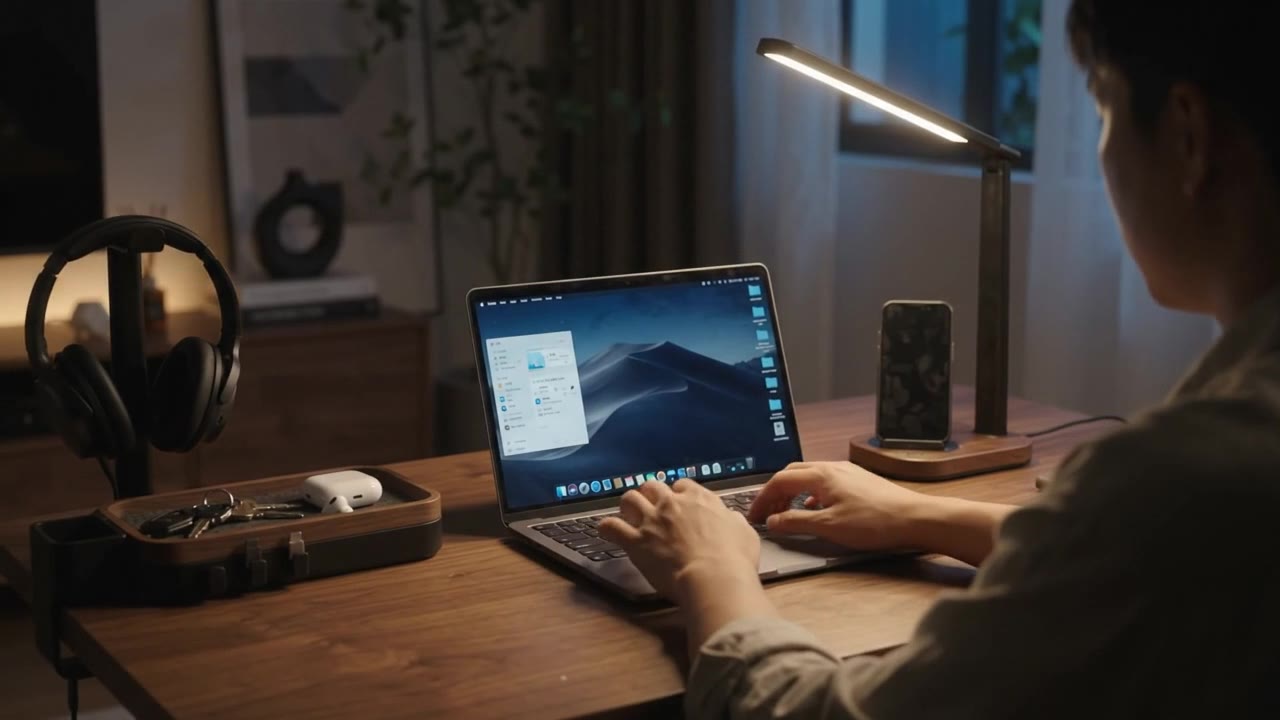
Check light, walkways and power first, then place the equipment. Plan how the area returns to everyday home use when work finishes.
Choose a corner that works throughout the day
A desk in front of a window may photograph well but suffer from reflections. Sit in the proposed spot in the morning, at midday and in the evening. Notice what happens when doors open, where people walk and how much noise or movement surrounds the space.
Look for a position where daylight can be managed. OSHA’s monitor guidance considers positioning and glare together. A blind, a different desk angle or a change of screen direction may be worth trying before buying more lighting.
Measure the working area, not just the desk
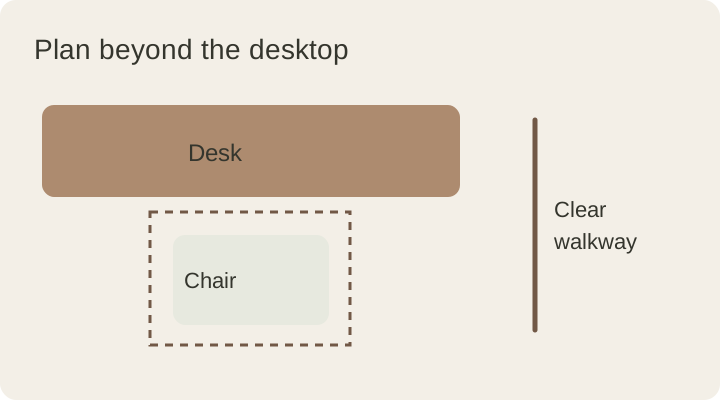
Allow for pulling the chair back, opening drawers, raising the laptop lid and reaching sockets. Mark the approximate footprint with paper or another suitable removable method. Fully open nearby doors and cupboards to understand the shared space.
Record the desk width and depth, chair movement, screen position and nearest power point. These depend on your equipment and home; one desk size cannot suit every situation. Make the functional measurements before choosing decorative details.
Adapt to the room’s other purpose
| Location | Priority | Approach |
|---|---|---|
| Living-room corner | A tidy finish to the day | One tray for small objects and closed document storage |
| Bedroom | Containing work equipment | A defined equipment area and closing routine |
| Shared dining table | Fast setup and removal | A portable equipment box and easily disconnected cables |
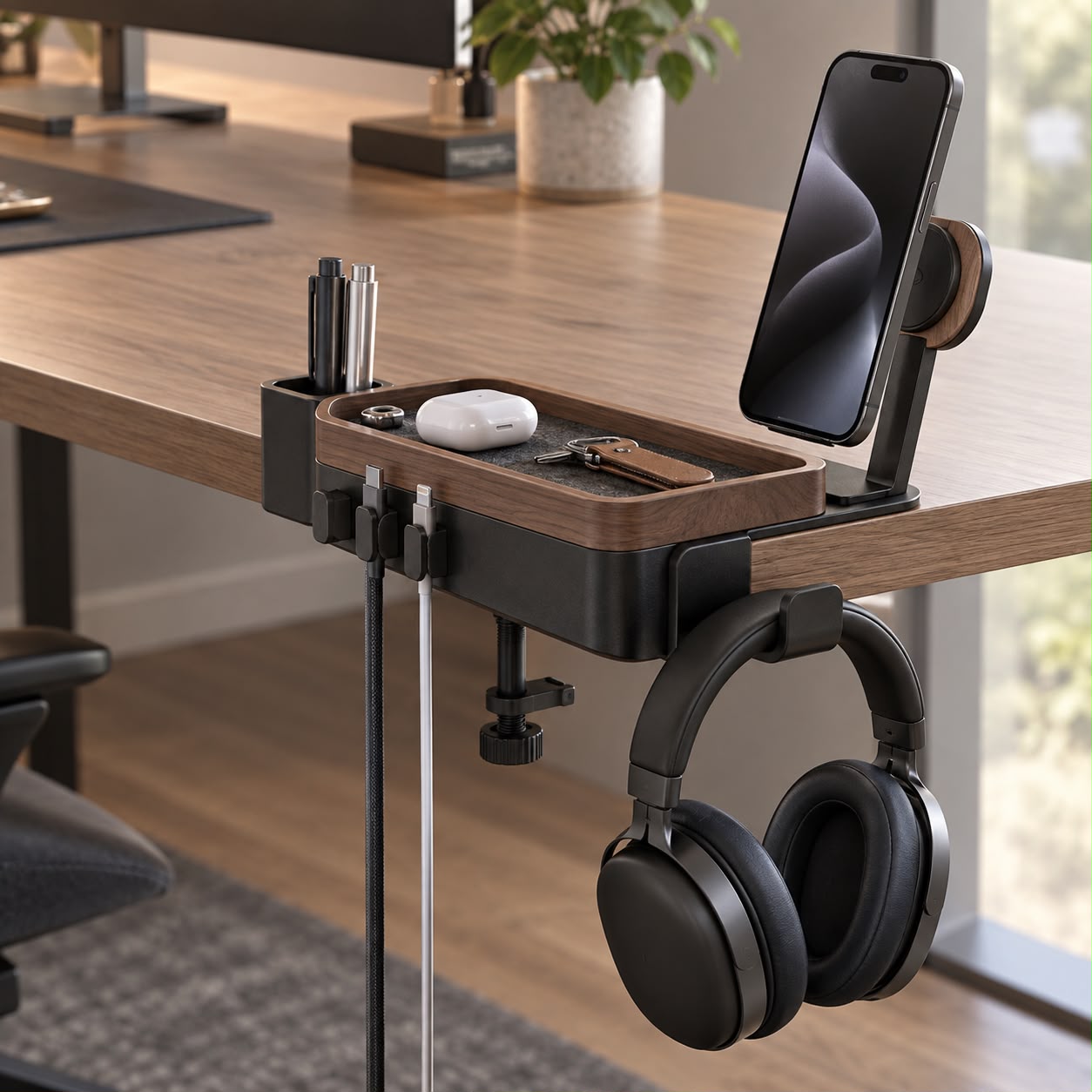
Permanently mounted accessories may not suit a shared table. A portable setup can be more practical, while a dedicated corner may benefit from fewer daily connections.
Separate room lighting from task lighting
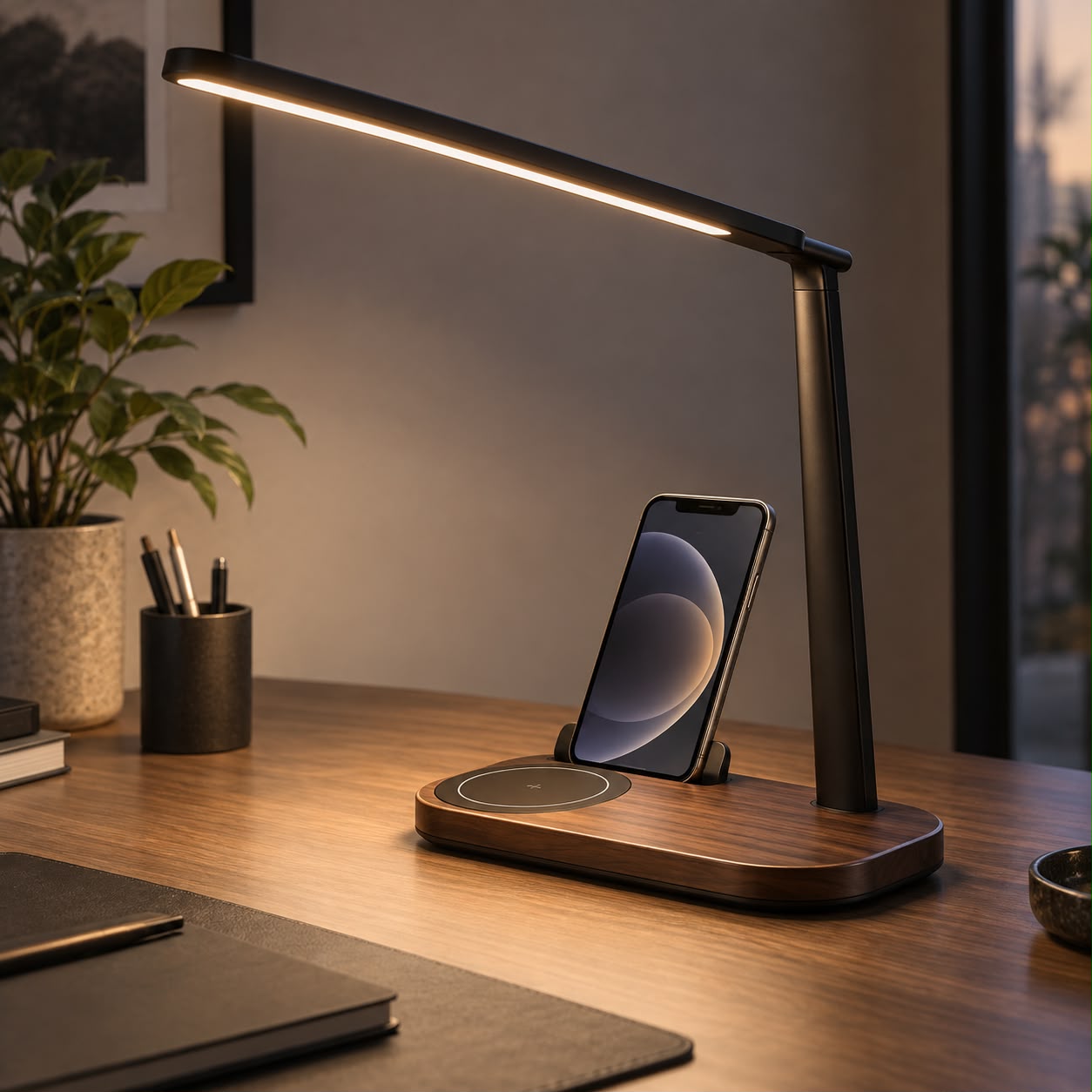
A light that illuminates the room and one directed at a notebook serve different purposes. Assess the room first, then add light where the task needs it. Consider adjustment and base size as well as appearance. Our desk-lamp guide provides a selection checklist.
For video calls, check the background and light on your face separately. A bright lamp pointed directly at the camera may be unhelpful. Use your meeting app’s preview in daylight and evening conditions before buying an extra accessory.
Build storage around your work
Someone who writes in notebooks needs a different setup from someone working entirely on screen. Ask which items you take out at the start and which remain when you finish. Give small objects one landing place and documents a separate filing location.
Too many small boxes can make things harder to find. Start with a few clear categories and review any that regularly overflow. Keep cables on an accessible route rather than hiding everything beyond reach.
Use the corner for a week before finishing it
Record three recurring annoyances, such as an object you constantly move, an inaccessible socket or an unused corner. Resolve those specific problems before filling the area with accessories. Treat the first layout as a trial.
Finally, rehearse closing the space: put the computer away, collect documents, turn off the lamp and return the chair. When the corner comfortably returns to home use, material and colour choices have a useful foundation.
This guide was prepared for DESKIND with AI assistance. Refer to the linked sources and your device manufacturer’s current instructions for technical details. Adapt layout suggestions to your own space.
Have a correction or question? Contact us.