Desk organisation
Small desk organisation: seven practical ways to make room
A small desk is not necessarily an unusable desk. The question is whether its limited surface is occupied by the work you are doing or by things waiting for a home.
Türkçe oku ↗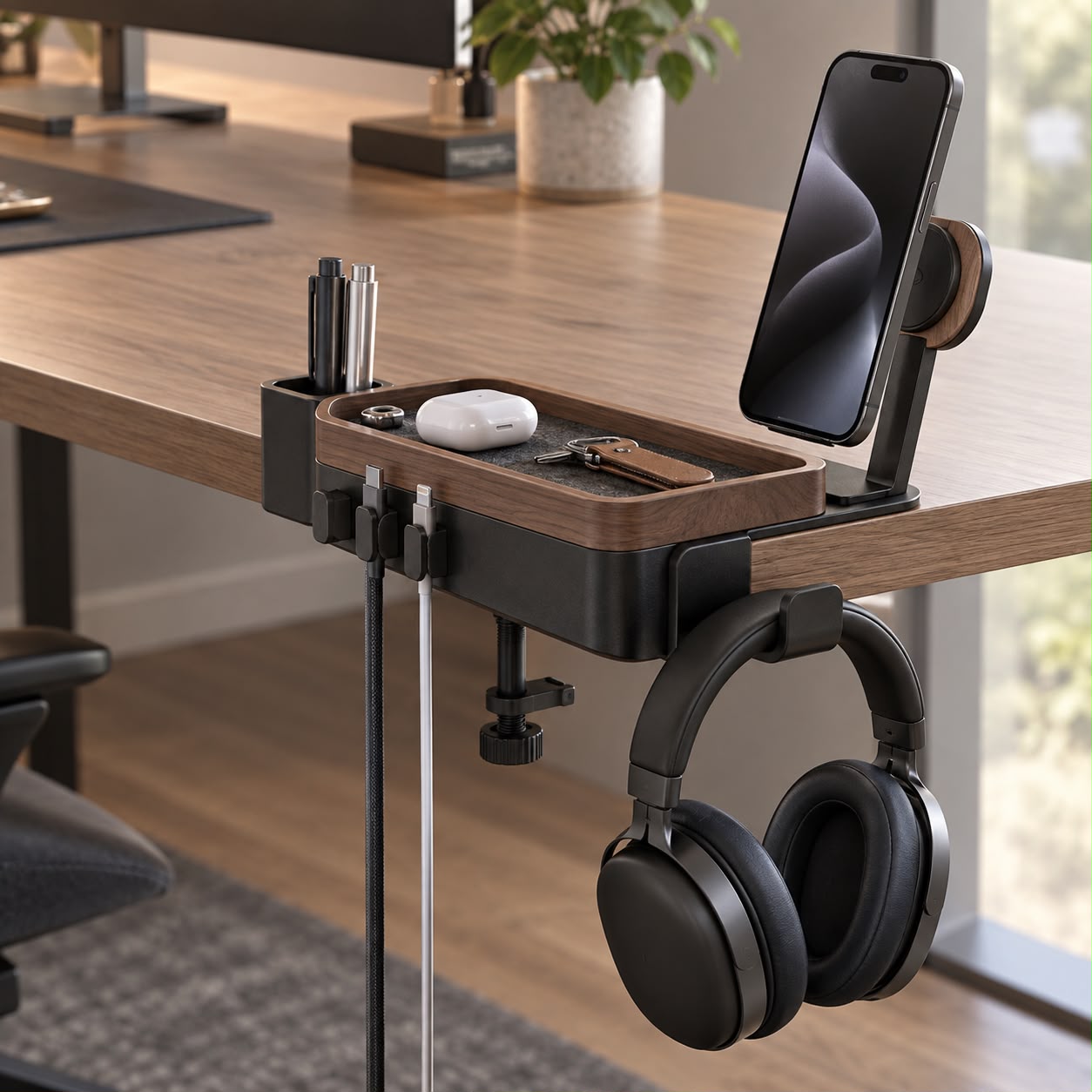
Protect a working area first. Put frequently used items within reach, move occasional items elsewhere and give everyday cables a deliberate route.
1. Clear the desk and bring back today's work
Start by removing loose objects and placing them nearby. Return the computer, input devices and whatever your current task genuinely needs. You are not deciding what to throw away; you are discovering which items require space on the working surface.
An object that has stayed on the desk for months may be used only occasionally. Keep those items in an accessible drawer or box, with a clear return location. Try the new arrangement during a real task before buying more storage.
2. Create three useful zones
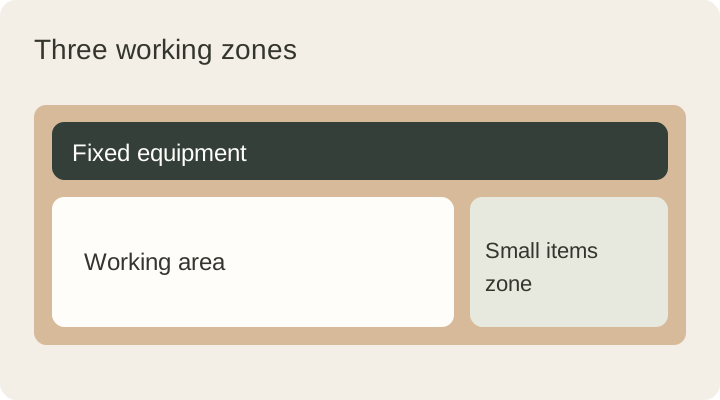
Think in terms of a main working zone, an everyday-access zone and an occasional-storage zone. The first should accommodate the keyboard, mouse or notebook without constant rearrangement. The second can hold the few objects you regularly reach for. The third may sit off the desk altogether.
On an illustrative 100 × 60 cm desk, you could reserve the centre for the main task and use one side for a notebook or lamp. This is a planning example, not a universal ergonomic measurement. Your equipment and working habits determine the final arrangement.
3. Use height without creating a stack
A shelf or suitable stand can move some storage above the surface, but the space underneath must remain useful. Check that supports do not reduce keyboard space or obscure connections. Avoid building a tower of items that has to be dismantled whenever you need the bottom one.
Position displays according to your own equipment and manufacturer guidance. OSHA's monitor guidance is a useful reference for reviewing placement. A raised display is not automatically well positioned simply because it creates space underneath.
4. Check the edge and the space below
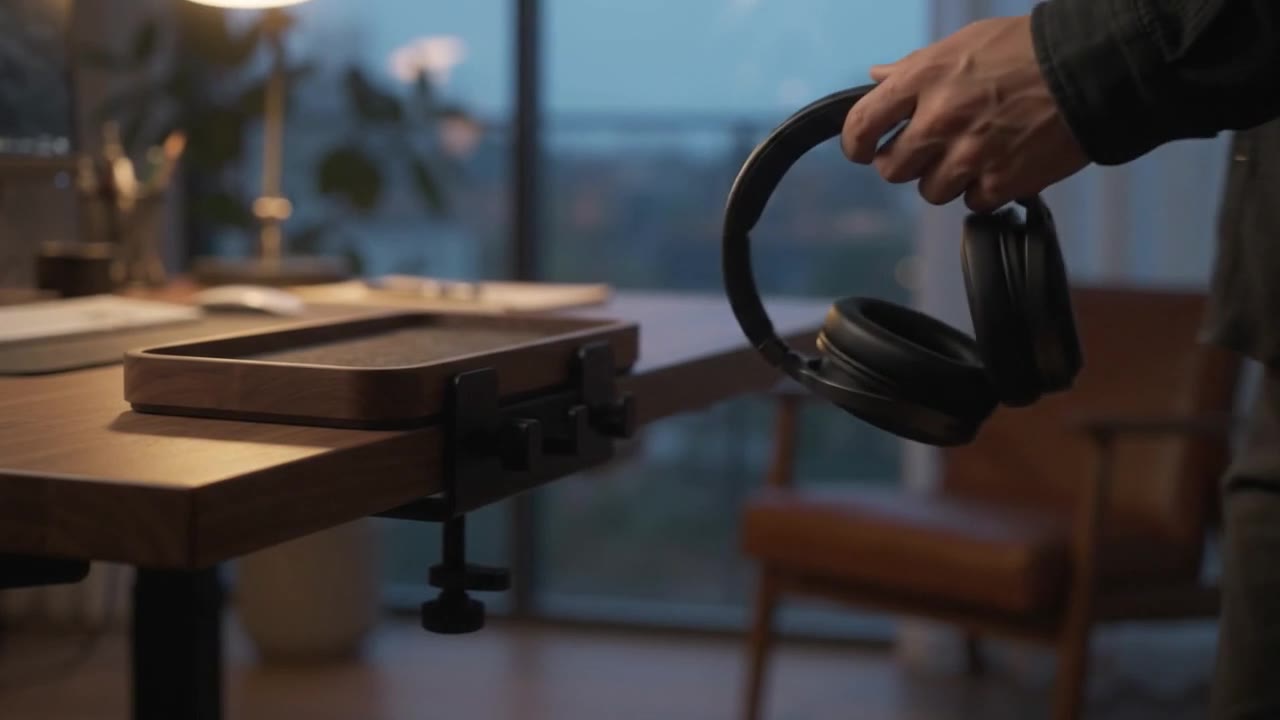
A desk edge can accommodate a suitable hook or organiser, freeing space for active work. Before choosing a clamp, inspect the thickness and shape of the top and any frame or drawer underneath. Confirm surface compatibility and load requirements with the manufacturer.
Also check the path of your chair, knees and legs. An accessory should not create a collision point as you sit down. Compare the listed dimensions of an option such as DESKIND Edge with the actual space around your desk.
5. Give cables a deliberate route
A cable stretched across the writing area consumes space even if it is thin. Route fixed cables towards a rear or side edge, and keep connections used every day easy to reach. Avoid trapping a laptop cable inside a bundle that must be undone whenever you leave.
Allow normal movement of the monitor, lamp and desk. Cable clips or reusable ties are useful only when compatible with the surface and cable. See the cable organisation guide for a more detailed sequence.
6. Give small items one return location
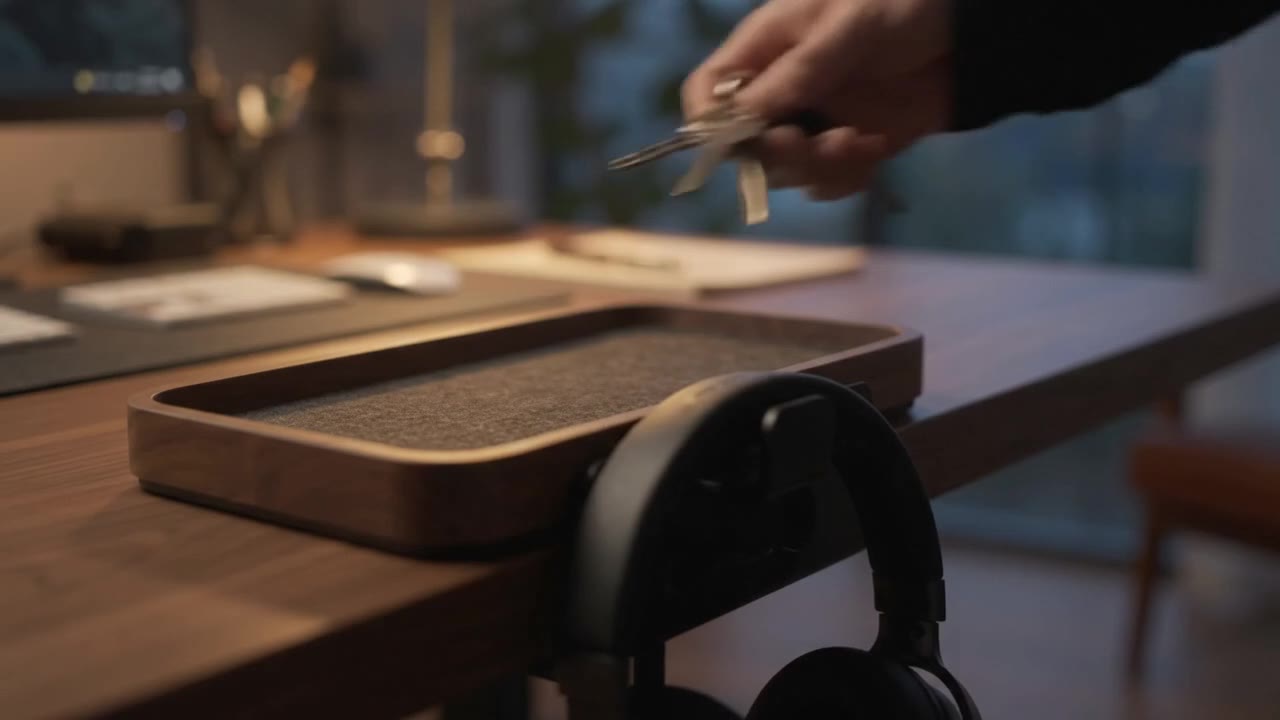
Keys, earbuds and adapters spread across a desk when there is no obvious place to put them. A small tray can help, provided its footprint is smaller than the clutter it replaces. Choose its location according to where your hand naturally reaches.
Do not use the tray as indefinite storage. At the end of the day, remove objects that belong elsewhere. An organiser that collects everything eventually becomes another obstacle.
7. Finish with a two-minute reset
Close the notebook, return small items, leave frequently used cable ends accessible and clear the next working area. A short repeatable routine is more sustainable than a large cleanup every few weeks.
After a week, note the three most frequent interruptions. Adjust those specific points instead of rearranging the whole desk again. Good organisation should make daily work easier, not require constant maintenance to resemble a photograph.
This guide was prepared for DESKIND with AI assistance. Refer to the linked sources and your device manufacturer’s current instructions for technical details. Adapt layout suggestions to your own space.
Have a correction or question? Contact us.