Workspaces
A minimalist desk that works beyond the photograph
A minimalist desk need not hold only a computer. The aim is for each object to serve a purpose and each task to have enough room. Simplicity should make daily use easier.
Türkçe oku ↗
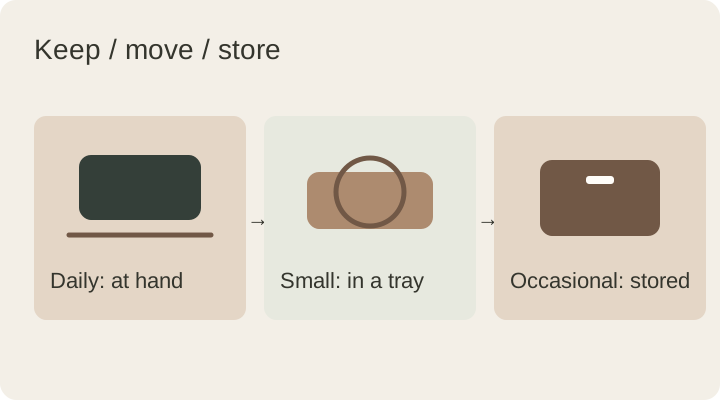
Question the role of each object instead of competing to own the fewest. Keep frequent tools accessible and give occasional items a defined storage place.
Identify the clutter that causes friction
Clutter is not only visual. Searching for a charging cable, moving a keyboard every time you write, or losing your keys creates practical friction. List those repeated problems so the goal becomes a better routine rather than copying a photograph.
Choose three objects and ask what each helped you do during the past week. Put unclear cases into a nearby temporary box. You need not discard them immediately; see which ones you actually retrieve before deciding on their permanent place.
Organise hidden storage as well
Putting everything in a drawer clears the surface but may simply relocate the disorder. Separate stored cables by use and keep small parts in understandable groups. Items need a known return location for the arrangement to last.
A working surface and a small landing zone are a useful starting point. If you use an open notebook all day, give it space instead of hiding it for appearances. Evidence of daily work is not automatically unnecessary clutter.
Try a restrained material palette
Many unrelated colours and textures can look busy even when there are few objects. Try one main surface, a supporting material and a small accent colour. This is a way to simplify decisions, not a universal decorating rule.
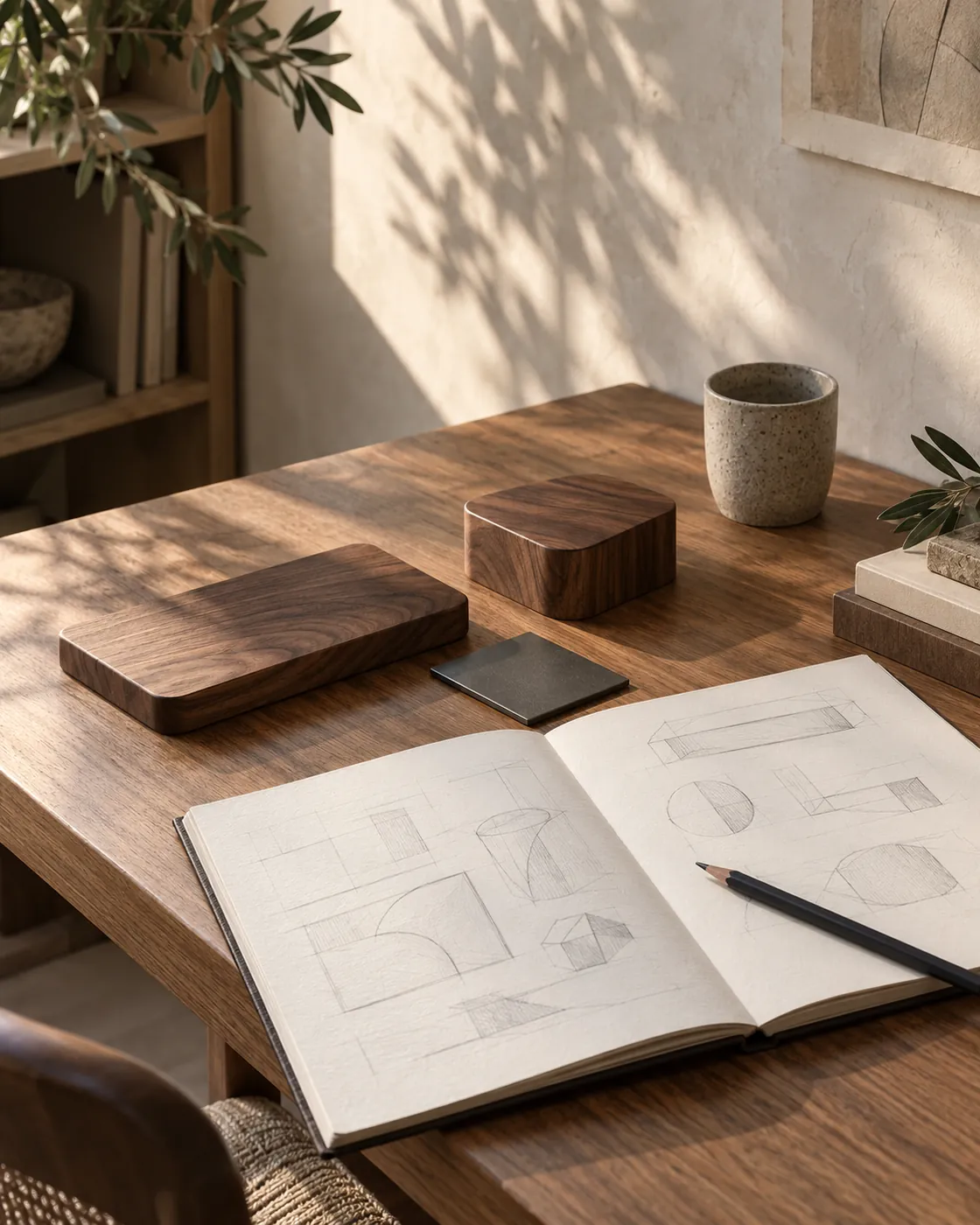
Walnut, dark matte metal and off-white can be explored together, but there is no need to replace everything. Group compatible items you already own or let a colourful notebook provide the accent. Check the result in both daylight and evening light.
Evaluate multifunctional products honestly
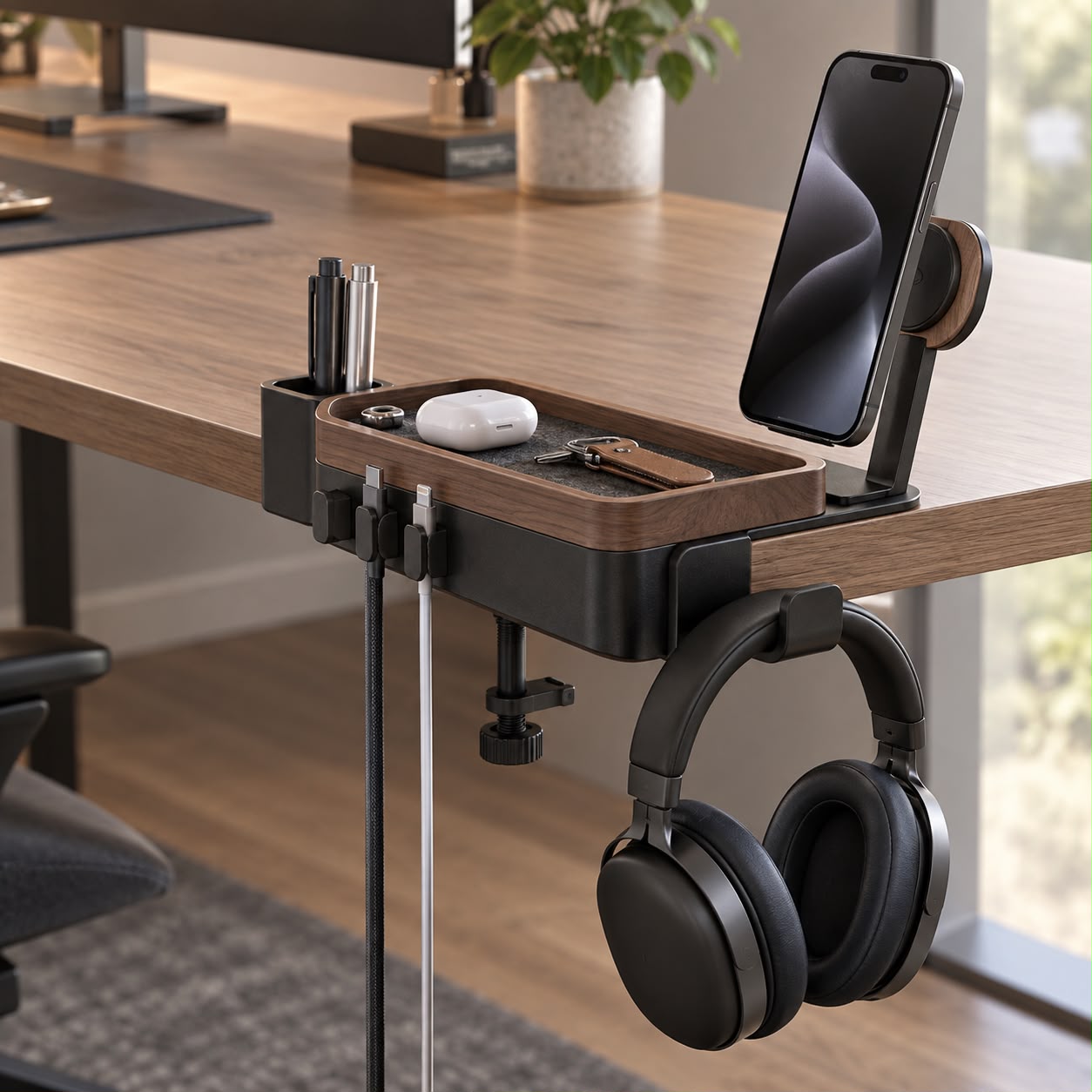
A combined lamp, phone stand and charger may replace separate objects. However, if you use only one function, a large body might occupy unnecessary space. Look for a combination of functions you actually need.
| Question | If yes | If no |
|---|---|---|
| Does it solve a daily problem? | Try its placement | Postpone the purchase |
| Does it replace something? | Decide where the old item goes | Measure the extra footprint |
| Is it easy to use? | Assess it in a real routine | Do not accept inconvenience just for looks |
Apply these questions to designs such as Arc and Halo too. Check each product page for current specifications and stock.
Run a seven-day experiment
- Photograph your starting layout for your own reference and list three problems.
- Temporarily remove objects you do not use daily.
- Give cables an accessible, orderly route.
- Clear an uninterrupted area for writing or mouse movement.
- Assign a return location to small objects.
- Adjust one part that feels awkward.
- Judge the result by how it works as well as how it looks.
The aim is to match your needs, not remove something every day. Returning a useful object is an informed adjustment, not a failed experiment.
Aim for easy maintenance, not perfection
Deadlines and new projects can temporarily fill a desk. A reliable reset routine makes that manageable. Collect documents, remove the cup and return cable ends to their places when the task is finished.
Understand the materials you keep: our walnut care guide explains why the finish matters. Fewer objects make the remaining pieces more important; positioning and caring for them is more useful than continually buying replacements.
This guide was prepared for DESKIND with AI assistance. Refer to the linked sources and your device manufacturer’s current instructions for technical details. Adapt layout suggestions to your own space.
Have a correction or question? Contact us.