Desk organisation
Study desk organisation for books, notes and screens
A study desk does not have to display every book you own. Make room for the materials you are using now to open fully and stay accessible.
Türkçe oku ↗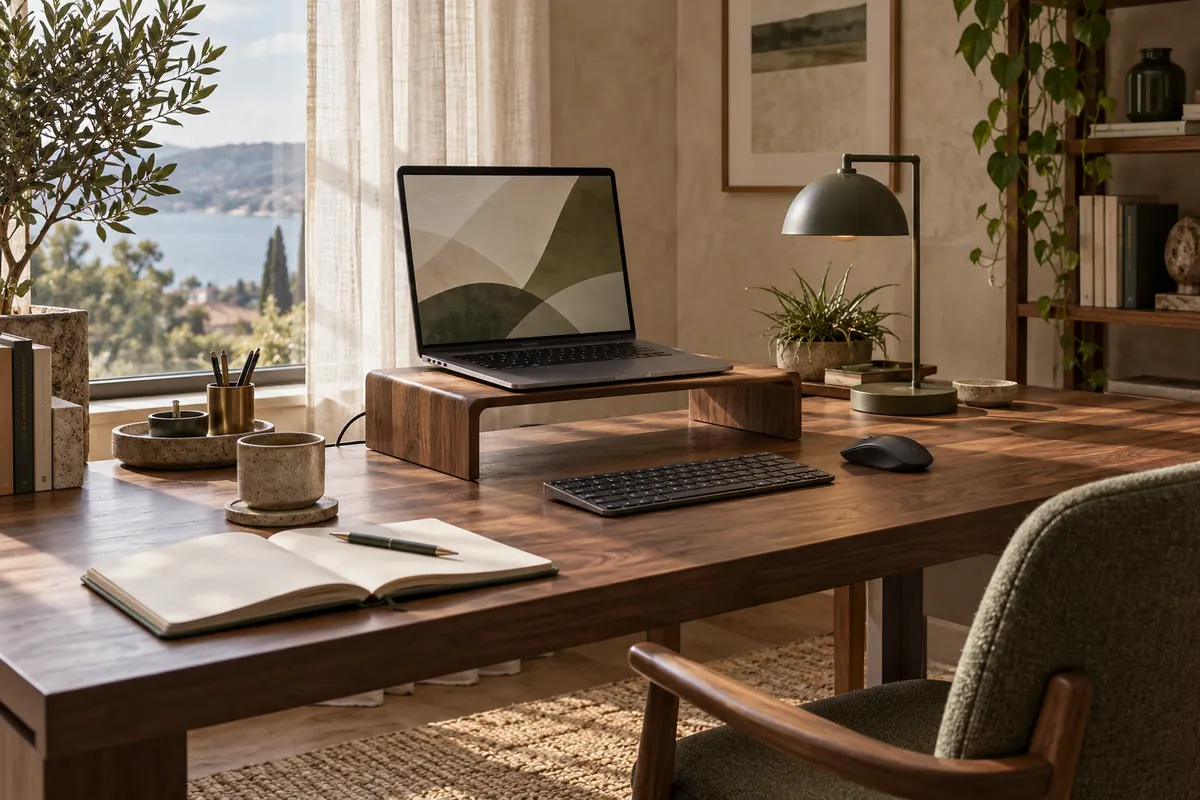
The AI-generated cover illustrates a workspace; it is not a photograph of a product for sale.
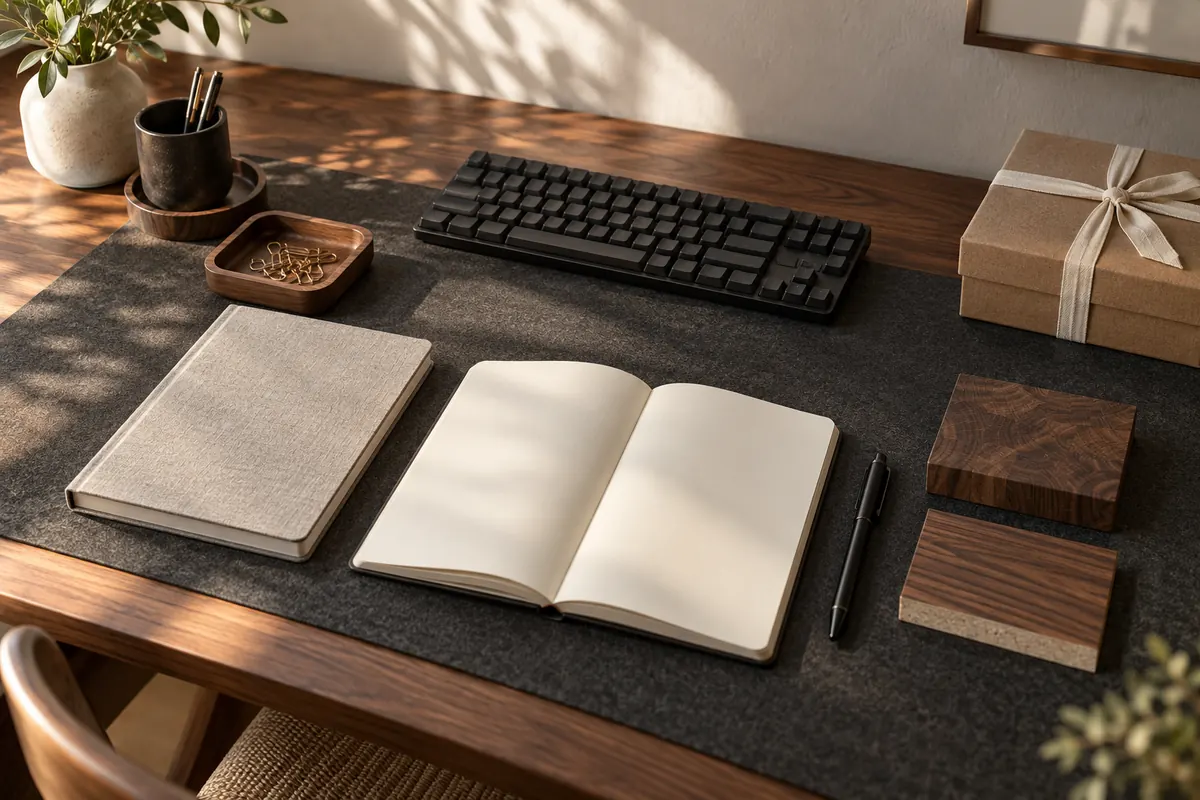
Reserve clear space for the current book and notebook. Arrange the display, light and small tools around it, with other subjects stored nearby rather than spread across the desk.
Start with the way you study
Taking notes from a video, answering questions and drawing all use space differently. Before arranging the desk, identify your two most common study activities. Open the actual books and notebooks involved; measuring them closed underestimates the area required.
For a video lesson, the display may work at the back with the notebook in front. For questions using two references, you may need books and notes side by side. Instead of building one perfect photo arrangement, try a layout that switches between these tasks without moving everything. Keep the trial based on your real materials rather than a generic accessories list.
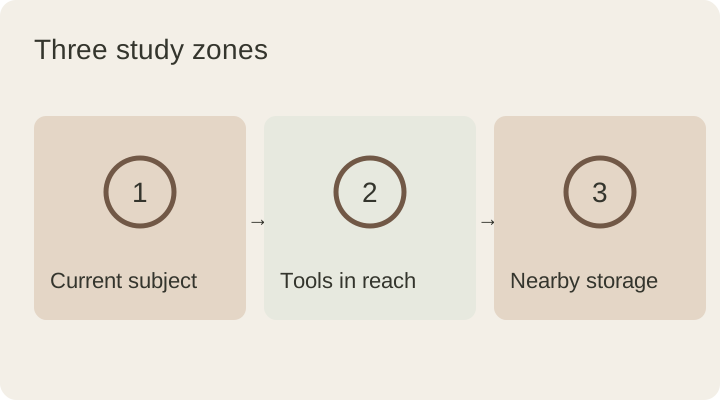
Use three straightforward zones
| Zone | Contents | Purpose |
|---|---|---|
| Active work | Open book, notebook and worksheets | Keep the current task open |
| Easy reach | Current pen, eraser and ruler | Find needed tools quickly |
| Nearby storage | Other subjects and spare supplies | Avoid using the desktop as a store |
The zones do not require physical dividers. A small tray or an existing drawer may be sufficient. Try a box or paper footprint before buying an organiser; too many compartments can make a small desk less usable rather than more organised.
Adjust light around the open notebook
If a lamp illuminates only one corner of the book, change its angle and distance. Watch the shadow created by your writing hand; trying light from the opposite side can be a practical starting point. When using a display, check the lamp’s reflection there as well.
Test an evening study space after dark rather than only in daylight. Consider room lighting and the task lamp together. Instead of looking for one universal best light colour, assess readability, direction and adjustment. Keep brightness measurements separate from colour-temperature measurements when comparing specifications.
Move occasional items off the desk
An entire pen collection, completed notebooks and spare paper do not need to stay in the active area. Keep a few daily tools on the desk and store the rest within reach elsewhere. If the desk is shared, a single portable box for the current subject can make setting up and clearing away easier.
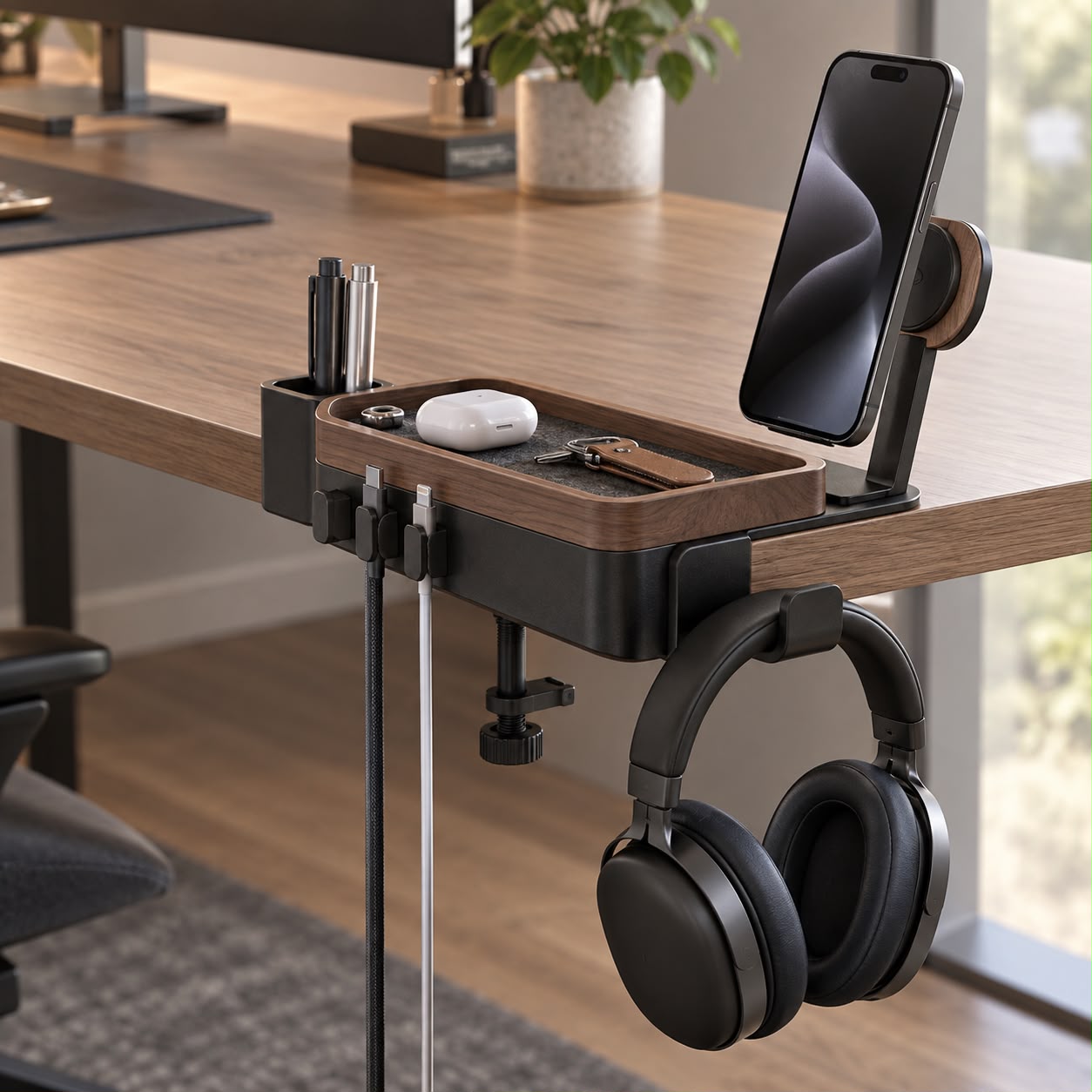
If a phone is part of the lesson, give it a stable place. If it is not, avoid leaving it where a notebook needs to open. Route its cable along a defined desk edge instead of underneath books. Judge the arrangement by unnecessary movements during work, not simply by how few objects appear in a picture.
Prepare the next starting point
- Return the finished reference to its place.
- Collect loose sheets into a subject folder.
- Identify the notebook and page you will use next.
- Put tools away and clear the active surface.
- Leave the light and cable routes ready for the next session.
Does an organised desk guarantee better results? No. This is a practical layout suggestion, not a guarantee about learning outcomes or study time. Try it for a week and adjust the objects that remain genuinely useful.
For a tighter space, use the small-desk organisation guide. If you are adding a work surface, check the writing test in the desk mat guide before choosing one.
This guide was prepared for DESKIND with AI assistance. Refer to the linked sources and your device manufacturer’s current instructions for technical details. Adapt layout suggestions to your own space.
Have a correction or question? Contact us.