Desk organisation
How to choose a desk mat: Size, surface and care
A desk mat can bring a workspace together and change how its surface feels. Before choosing a colour, decide which tasks will actually happen on it.
Türkçe oku ↗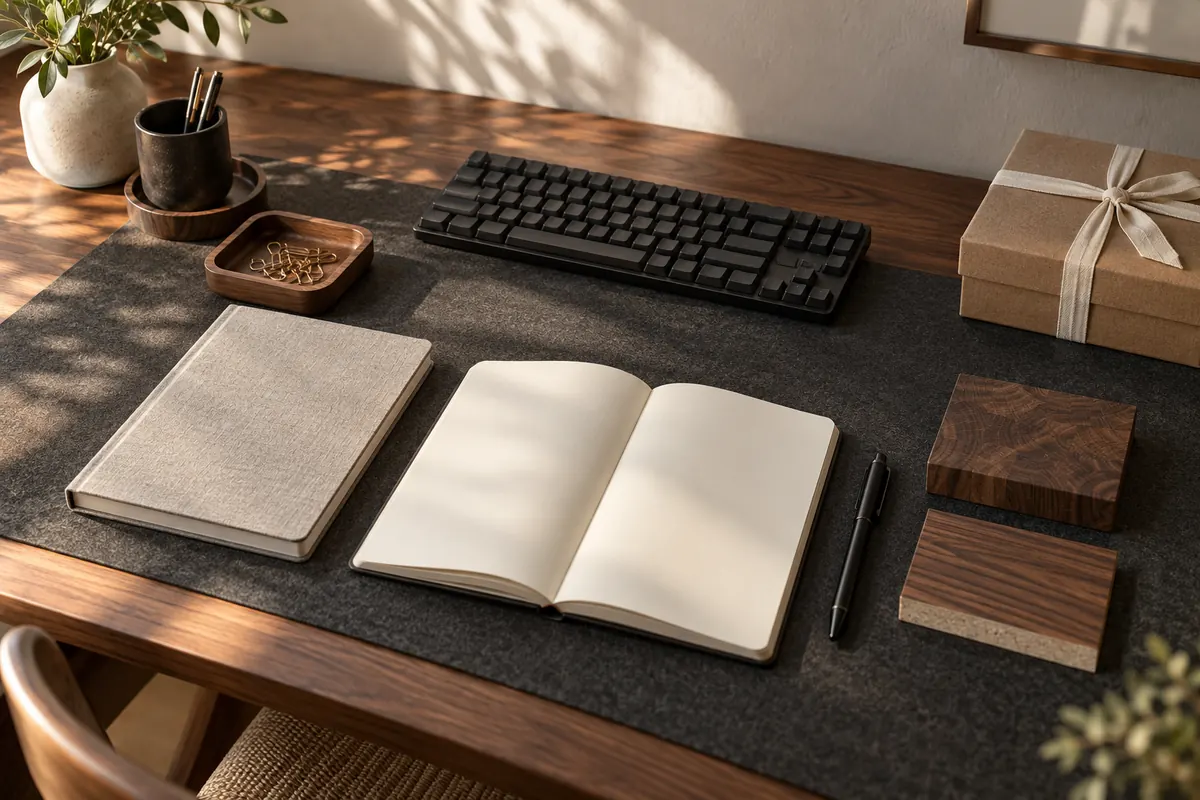
The AI-generated cover illustrates a workspace; it is not a photograph of a product for sale.
Measure keyboard and mouse movement rather than copying desk width. Compare writing feel, grip, edge thickness and cleaning instructions alongside the material label.
Measure the area you really use
Place the keyboard where you normally work. Use the mouse with your usual movements and mark the space required. Decide whether a notebook will open on the mat or beside it. Outline that area with paper before assuming the mat needs to cover the entire desk.
For example, a keyboard 45 cm wide plus 25 cm of mouse space totals 70 cm before any edge allowance. This is an example calculation rather than a recommended size for everyone. Check depth separately so a monitor foot or laptop stand does not sit half on a raised mat edge and become unstable.
Compare the experience, not just the label
| Surface | What to check |
|---|---|
| Felt | Pilling, dust and use with your mouse sensor |
| Fabric | Texture, backing grip and drying instructions |
| Leather or leather-look | Exact material, cleaner compatibility and feel |
| Cork or another natural surface | Texture, edge durability and manufacturer care advice |
Two mats sold under the same material name can feel very different. Ask for a sample or close-up image. Do not interpret leather-look as genuine leather; ask about the top layer and backing separately. Thickness alone also does not describe the firmness of the working surface.
Try keyboard, mouse and paper together
A soft mat may feel pleasant beneath a keyboard yet compress too much when you write on a single sheet. Consider whether signatures or drawings need a firm board beneath them. Mouse glide depends on the surface, sensor and your preferences, so a product photograph cannot establish the result.
Check stitched-edge thickness. An edge that looks minor in a picture can be noticeable if your hands repeatedly rest against it. Cables or crumbs underneath also disrupt an even surface. Occasionally lift the mat to check its underside rather than only wiping the visible face.
Plan cleaning before buying
Wipe-clean does not mean machine-washable or compatible with every cleaning product. Read the instructions for water, detergents and drying. After a spill, check for moisture between the mat and desk as well as on top.
Do not return a damp mat to a wooden surface. If backing compatibility is unclear, ask the desk and mat manufacturers. This is particularly useful for newly finished or specialised surfaces, where a broad claim to protect every desk may not explain the actual conditions of use.
Is a larger mat always better?
Must it cover the whole desk? No. A mat that defines your active working strip may be enough. Keeping a lamp or tray outside it can also make cleaning easier because fewer objects need to move together.
Can it replace a mouse pad? Sometimes. Test your own mouse for sensor behaviour and the amount of glide you prefer. For precise work or gaming, these details may matter more than a perfectly matched colour.
Compare size, surface, grip, edge and care in one shortlist. To organise smaller items, read the desktop organiser guide; for a calmer overall arrangement, explore minimalist desk organisation.
This guide was prepared for DESKIND with AI assistance. Refer to the linked sources and your device manufacturer’s current instructions for technical details. Adapt layout suggestions to your own space.
Have a correction or question? Contact us.