Desk organisation
How to choose a desk organiser: trays, hooks and stands
An organiser does not automatically organise a desk. The wrong size or function simply adds another large object. Start by identifying which belongings lack a useful place.
Türkçe oku ↗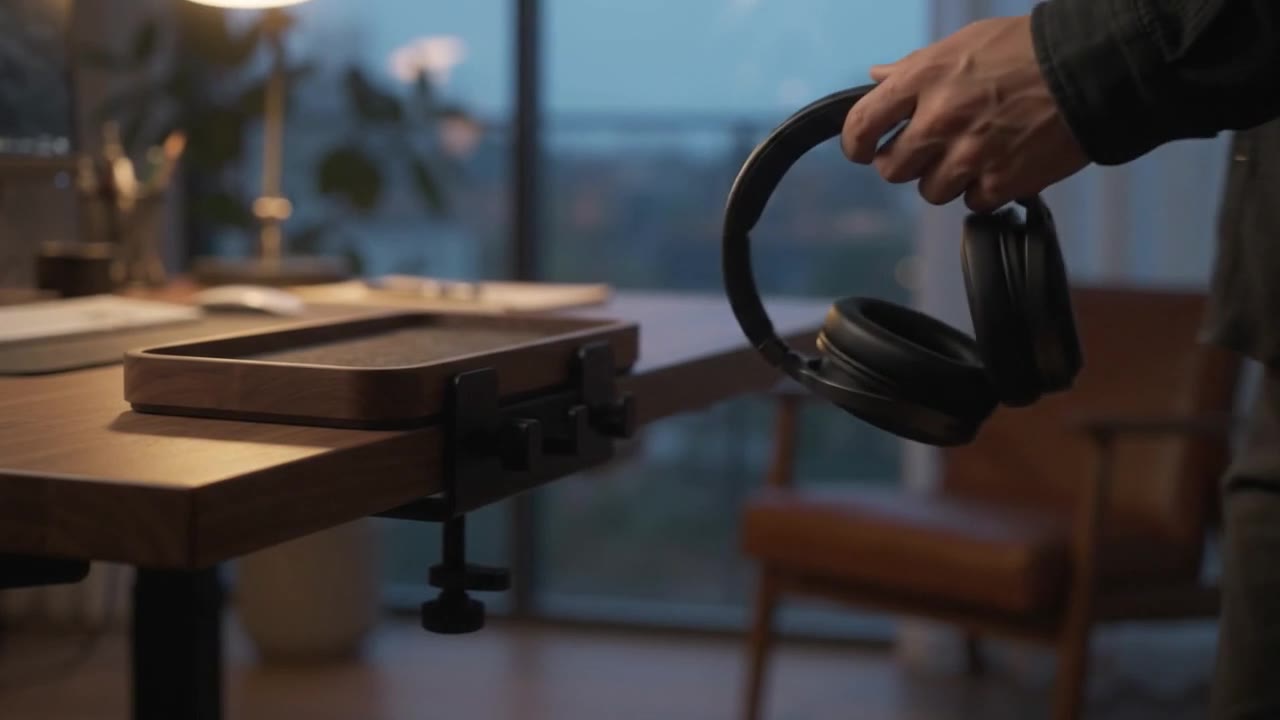
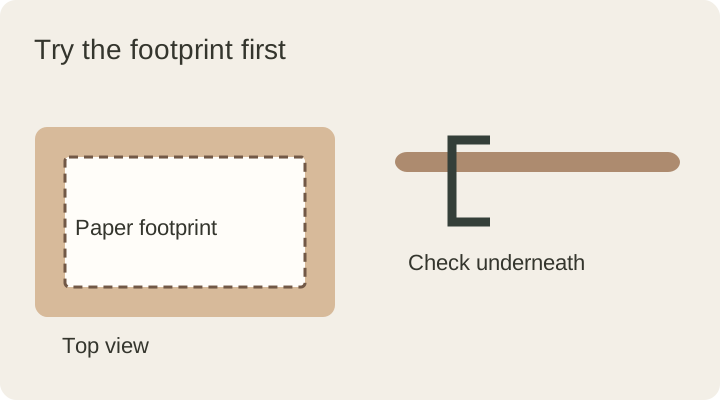
Choose by task before material. Measure your objects and try a paper footprint; for edge-mounted models, inspect the underside of the desk as well.
List what needs a home
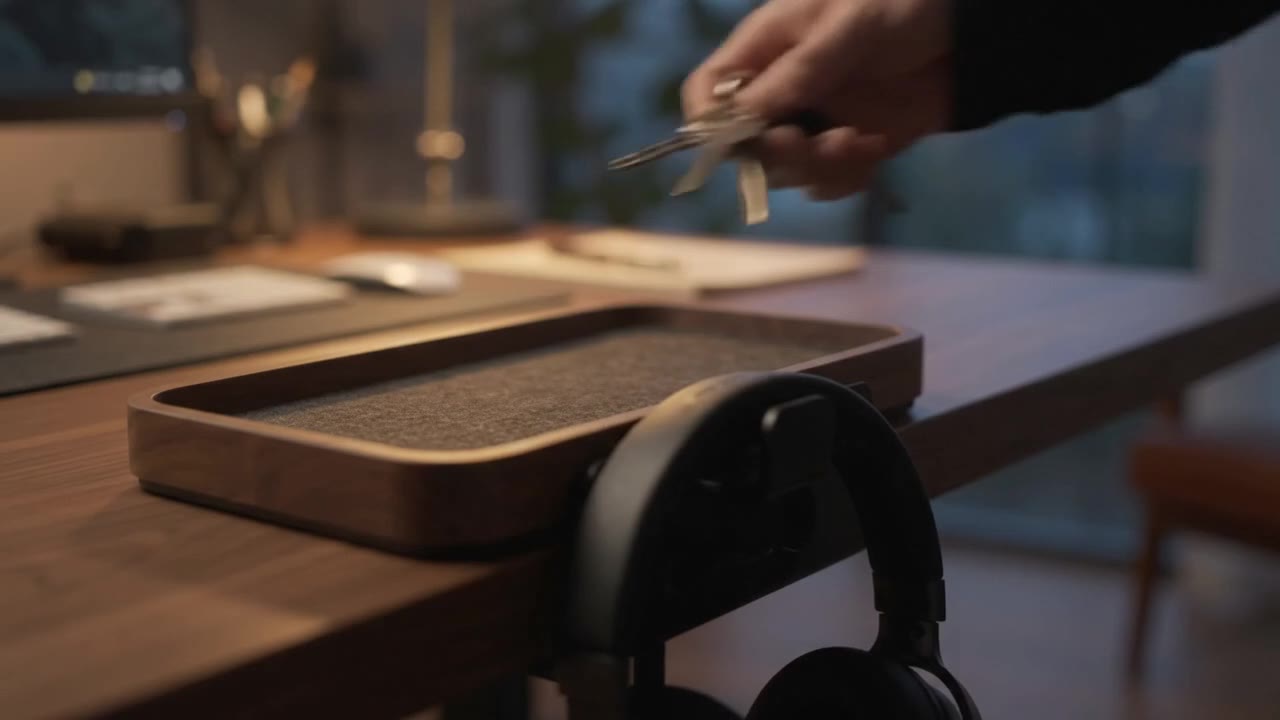
Collect the small items that wander around the desk: keys, earbuds, watch, pens, notes and charging cables. They need not all share one organiser. Items you reach for throughout the day may work better in a different place from those you leave when arriving home.
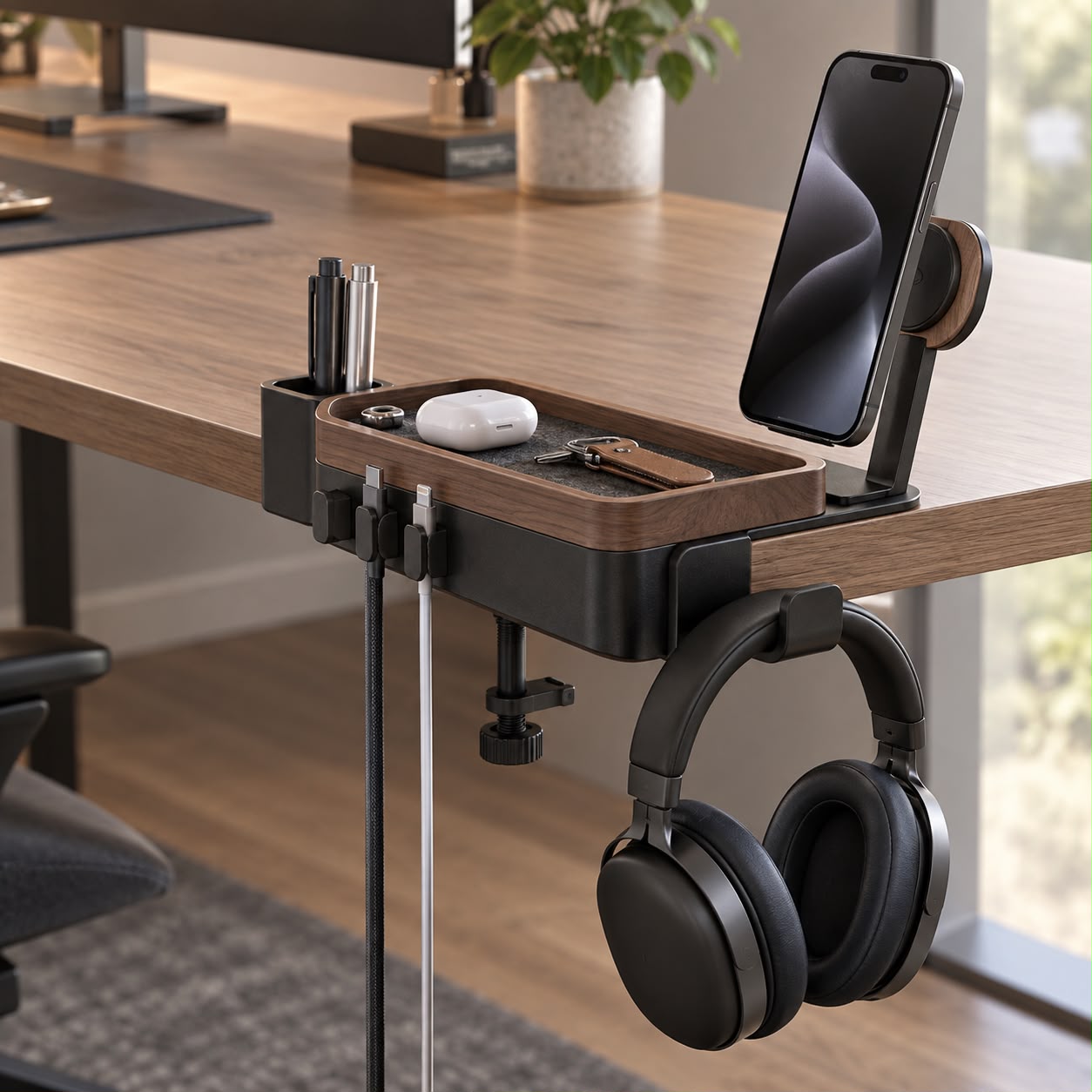
Note the largest object’s dimensions and the most-used object’s reach requirements. Holding a phone upright, collecting keys and hanging headphones are different tasks. Solve one clear problem before choosing an accessory with many compartments.
Compare organisers by their job
| Type | Useful for | Measure |
|---|---|---|
| Tray | Portable storage for small objects | Usable interior as well as outer size |
| Pen holder | Keeping long tools upright | Depth, opening and base stability |
| Headphone hook | Freeing the main surface | Hook opening and chair clearance |
| Clamp-on organiser | Using the desk edge | Top thickness, underside and edge profile |
| Phone stand | Positioning the screen | Phone, case, camera bump and viewing angle |
Narrow compartments can be difficult to reach into. Thick walls can also reduce the usable area of a tray that looks large from outside. Do not assume objects in a product photograph match yours.
Try a paper footprint
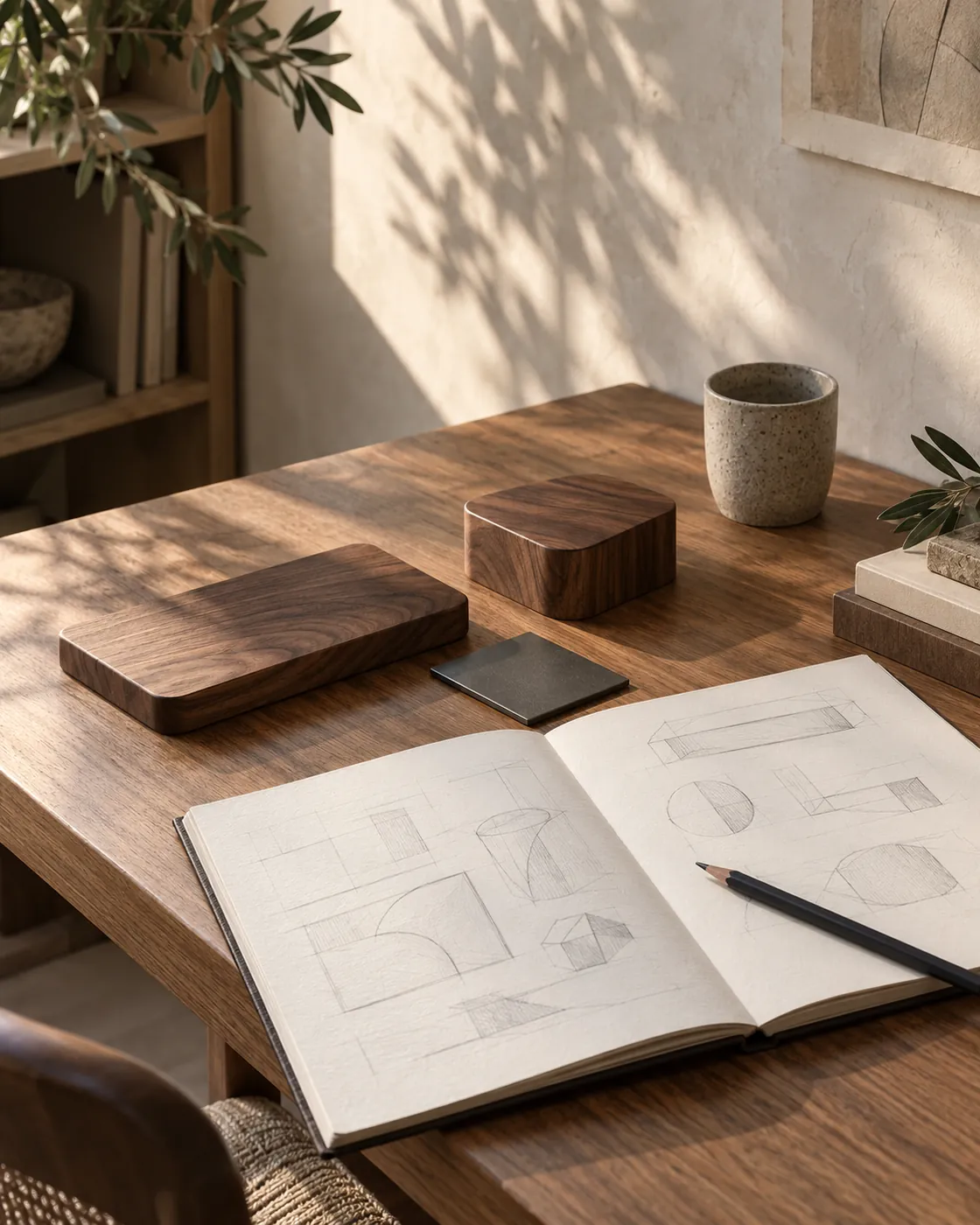
Draw the product’s outer dimensions on paper, cut it out and place it on the desk. Use your open notebook, mouse and cup normally. Reserving the space before buying is easier than discovering later that the working area has become cramped.
Consider height too. Would the organiser cover the bottom of the screen, obstruct a lamp arm or stop a laptop lid opening? If a cable runs beneath it, check the exit direction. Test everyday movements rather than a single attractive arrangement.
Inspect below the desk edge
A clamp needs access to both sides of the top. A metal support, drawer frame or sloped edge may prevent it sitting correctly. Measure thickness and inspect the area the clamp must reach. Check the product’s current instructions for load limits and supported surfaces.
Protective pads do not make every material compatible with the same pressure. Do not assume suitability for glass, hollow or delicate tops. Follow the specified tightening method rather than using extra force to stop slipping.
Consider contact and cleaning
Walnut, metal, felt and plastic differ in use as well as appearance. A place for keys has different needs from a surface supporting electronics. Look for clear information about removable liners, cleaning dust and dealing with moisture.
Natural wood can vary in colour and grain. Ask about care before purchasing if the finish is not explained; our walnut care guide explains why. Words such as “natural” or “premium” do not replace dimensions and instructions.
A final buying checklist
- Do my objects fit inside the usable compartments?
- Will I still have enough working space?
- Are both sides of the desk suitable for mounting?
- Does my phone or headset fit with its usual accessories?
- Are cleaning, load limits and warranty terms clear?
- Can I remove the organiser when rearranging the desk?
Explore the edge-mounted approach on the DESKIND Edge page. Compare the specifications with your measurements and check availability. A useful organiser gives belongings an understandable place rather than merely hiding them.
This guide was prepared for DESKIND with AI assistance. Refer to the linked sources and your device manufacturer’s current instructions for technical details. Adapt layout suggestions to your own space.
Have a correction or question? Contact us.