Lighting
Monitor light bar or desk lamp? Choose for your tasks
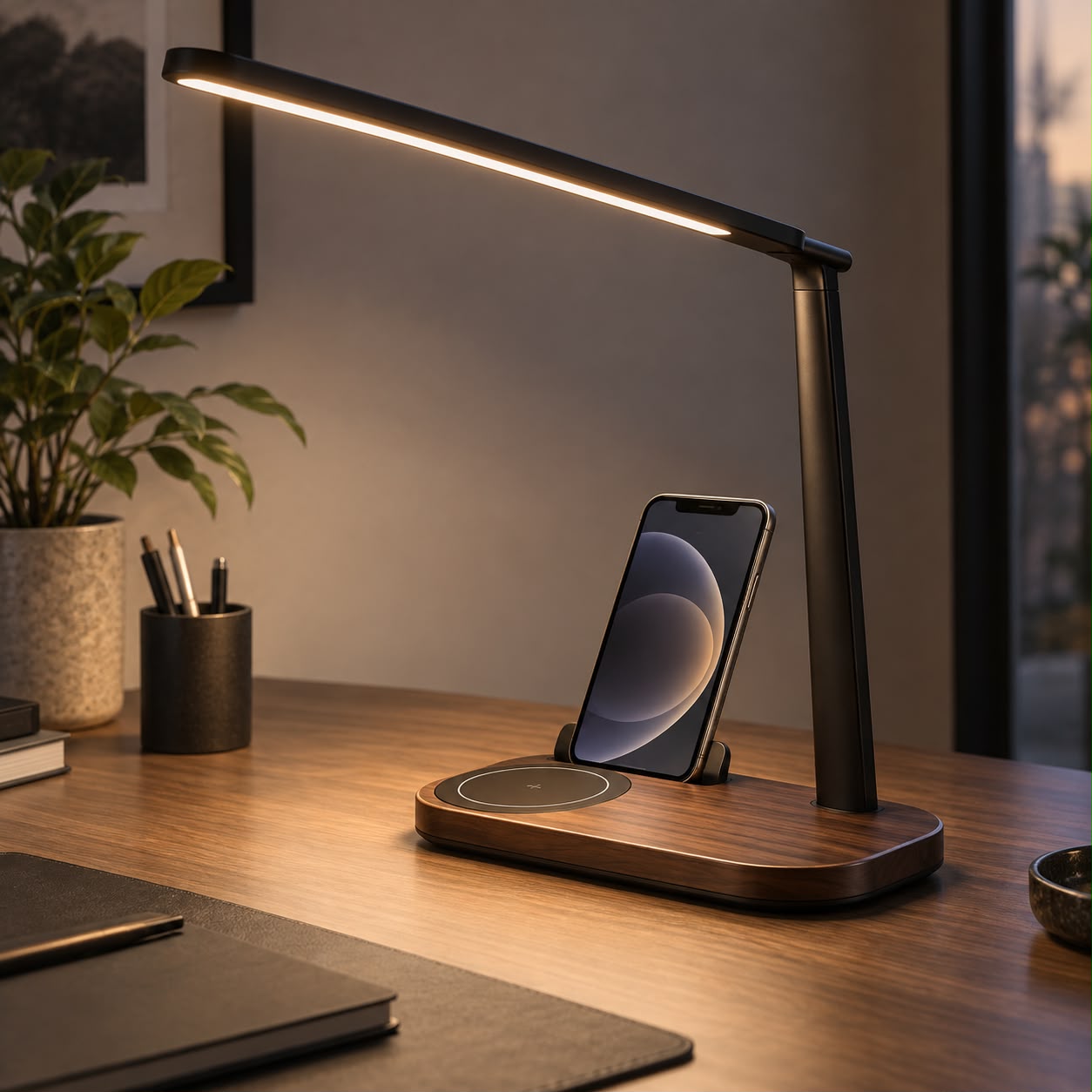
A monitor light bar avoids a separate base on the desk. A freestanding lamp can move its light between different tasks. Your working routine determines which trade-off matters.
Türkçe oku ↗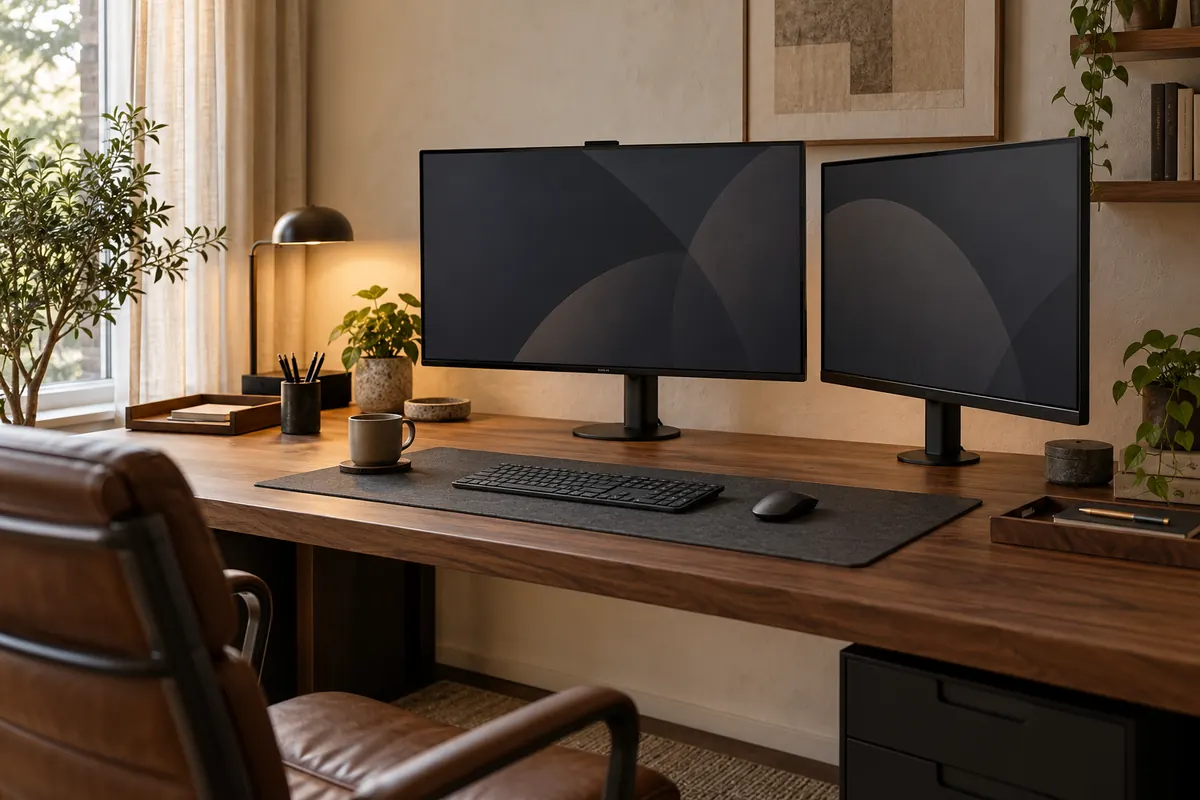
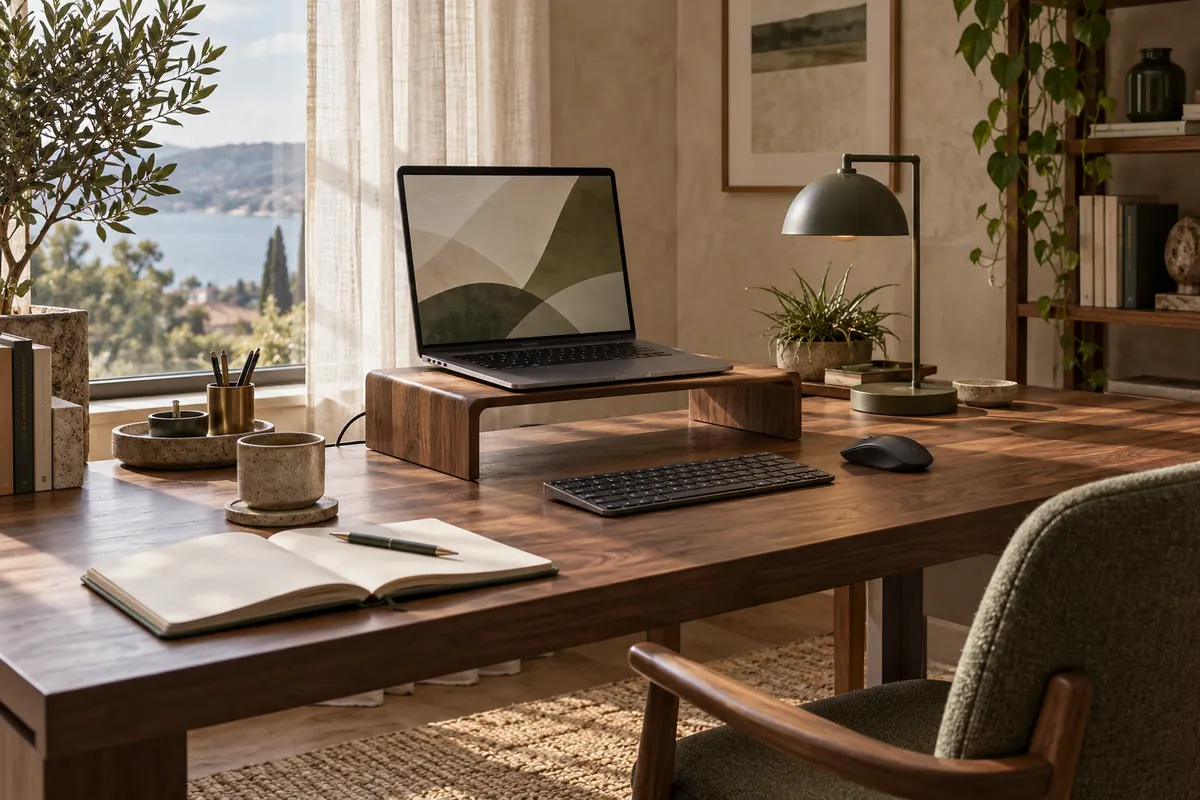
The AI-generated cover illustrates a workspace; it is not a photograph of a product for sale.
Consider a compatible light bar for the narrow working area in front of a fixed display. Consider an adjustable desk lamp for notebooks, books and tasks that move around the desk.
Which surface needs light?
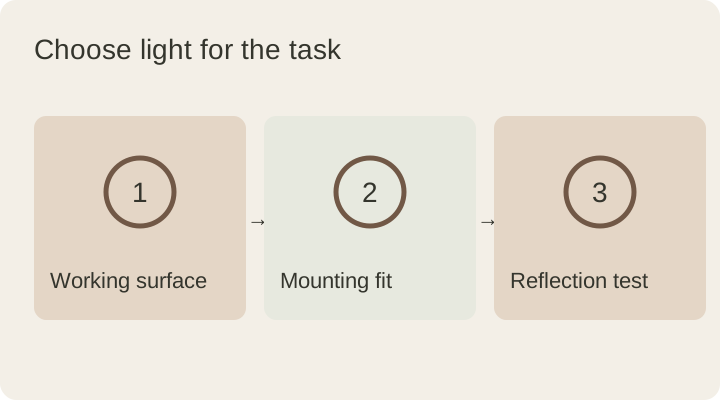
If you mostly use a keyboard, light reaching the area directly in front of the display may be enough. If you sketch in a large notebook, handle small parts or move a book around, the reach of the light becomes more important. Open the objects you normally use in the evening and identify the area that needs illumination.
A photograph of someone else’s setup is a starting point, but your monitor height and paper area may differ. Narrow the choice around the task that occupies most of your day, not simply the device that looks more modern. Brightness adjustment and light distribution vary within both categories.
Compare the practical differences
| Criterion | Light bar | Desk lamp |
|---|---|---|
| Desktop space | Usually no separate base | Requires a base or clamp position |
| Moving tasks | Position tied to the display | Reach depends on arm and shade |
| Mounting | Fits the monitor housing | Fits the desktop or desk edge |
| Webcam | May share the upper frame | Can stand away from the camera |
This compares categories rather than reporting a product test. Some desk lamps use clamps, while some bars add rear lighting. Read the specification of the actual model rather than assuming every feature is shared.
Verify monitor compatibility
Screen thickness, the shape of its top edge, narrow bezels and curvature can affect attachment. Add the webcam, rear housing bulges and ventilation openings to your checklist. Look for an installation drawing for the exact light-bar model.
For example, BenQ’s curved-monitor compatibility information describes conditions for a particular model. Those conditions do not apply automatically to every bar. Sending the seller your monitor model and a photograph of its upper edge is more useful than providing screen diagonal alone.
Check from your actual sitting position
CCOHS’s office lighting guidance recommends illuminating documents while avoiding unwanted light on the monitor. A glare-related marketing claim cannot by itself establish what happens with your screen finish and arrangement.
In the evening, sit normally and open a dark area on the display to look for the light’s reflection. Switch to a white document, then adjust the lamp or bar angle in small steps. If one desk corner remains dark, compare task placement and beam direction before turning everything brighter.
Choose for the arrangement you use
I only use a laptop. Many bars are designed for desktop monitor housings. Do not assume they fit a thin laptop lid; consider an independent task lamp or a product explicitly compatible with the device.
I have two monitors. Mounting a bar across their meeting edges is not possible with every model. Choose the position around the main work area and check reflections in the second display too.
Compare your task first and the lighting numbers second. The lumens and lux guide explains how to read them. You can explore DESKIND’s Halo and Arc designs on their product pages, where current specifications and stock status should be checked.
This guide was prepared for DESKIND with AI assistance. Refer to the linked sources and your device manufacturer’s current instructions for technical details. Adapt layout suggestions to your own space.
Have a correction or question? Contact us.