Charging & technology
How wireless charging works: Qi, Qi2 and compatibility
Putting a phone on a charging surface is convenient, but compatibility takes more than a “wireless” label. The phone, charger, case and power supply all contribute to the result.
Türkçe oku ↗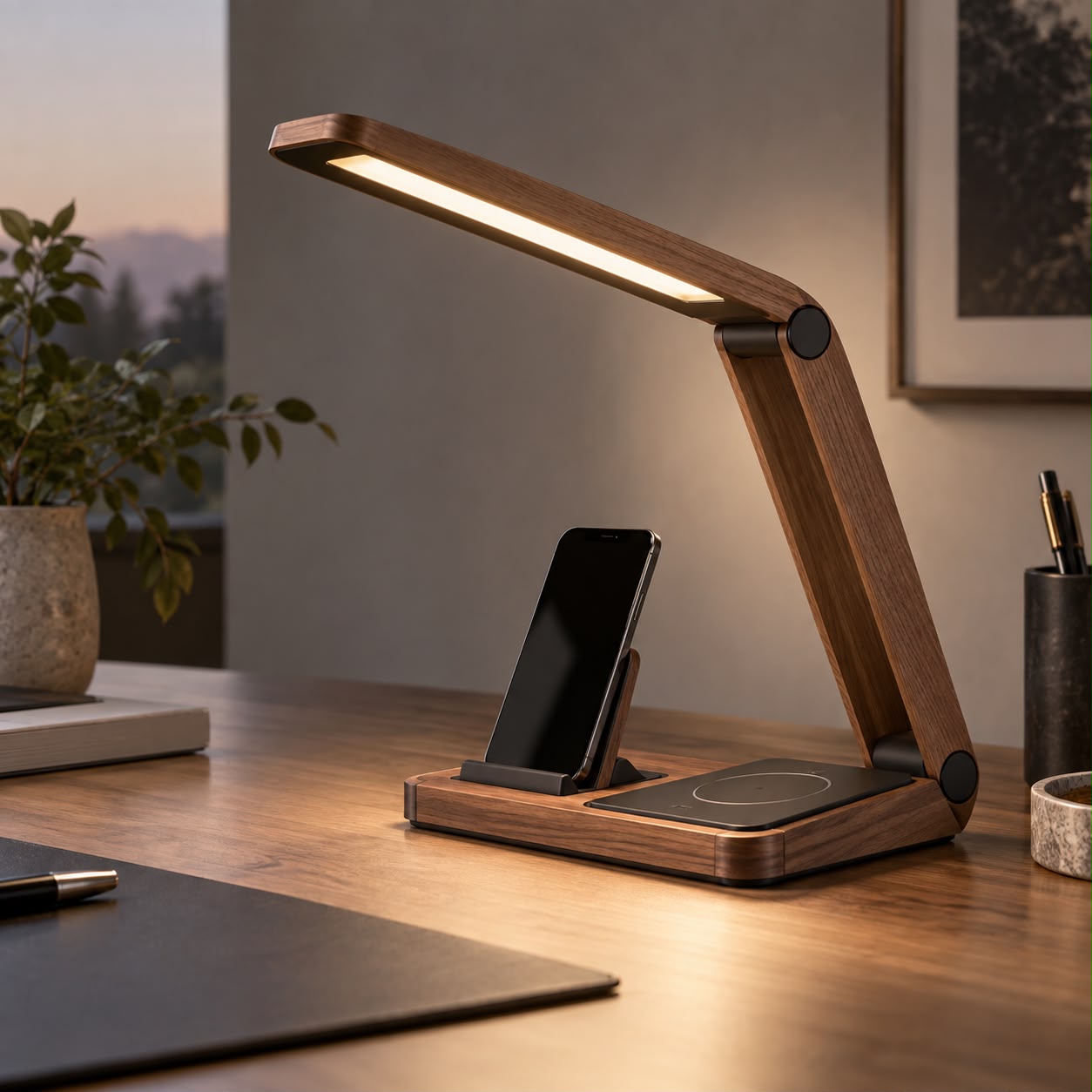
Wireless charging transfers energy between nearby coils. Verify the exact phone and charger models; a magnetic attachment alone does not establish Qi2 certification.
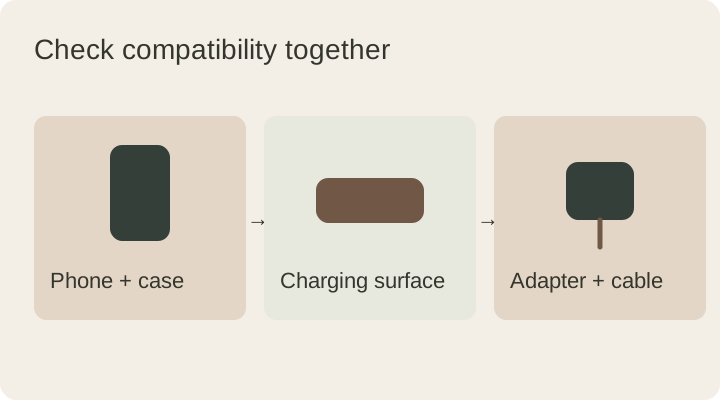
How energy reaches the phone
Common phone chargers transfer energy by electromagnetic induction between coils in the charging surface and the phone. The devices must be close enough and appropriately aligned. A phone will not charge simply because it sits somewhere on a desk.
“Wireless” describes the connection between the phone and the charging surface. The base usually still needs a wired power supply. The practical benefit is fewer daily plugging and unplugging movements, rather than eliminating every cable.
What Qi and Qi2 mean
Qi is a wireless charging standard developed by the Wireless Power Consortium. Magnetic alignment plays an important role in the Qi2 family; supported features depend on the version and certified device pairing. See the WPC’s explanation of Qi for current information.
A magnet or the word “magnetic” in a listing does not prove Qi2 certification. Ask for verifiable certification for the exact model. Similar-looking products from one brand may use different hardware.
Check the whole compatibility chain
| Part | What to verify |
|---|---|
| Phone | Wireless charging support for the exact model |
| Charging surface | Standard, certification and supported devices |
| Case | Thickness, material and magnetic compatibility |
| Adapter and cable | Required power profiles and connections |
A USB-C port does not establish wireless charging support. A ring added to a case does not supply missing receiver hardware. Start with the phone manufacturer’s specifications, then check the accessories.
Maximum watts do not tell the whole story
A quoted maximum does not mean every phone receives that power in every situation. Device support, charger compatibility, the adapter and operating conditions all matter. On a multi-device station, total power and the power available at each position may differ.
If you want to charge a phone and earbuds together, verify each position separately. “Two devices” need not mean two phones. A watch position may also be limited to particular models. Give the seller your exact device names.
Think about daily use
A flat pad is convenient for putting a phone down and leaving it. An angled stand can make the screen easier to see. Camera bumps, case shape and device size can change how the phone sits, so consider the complete combination.
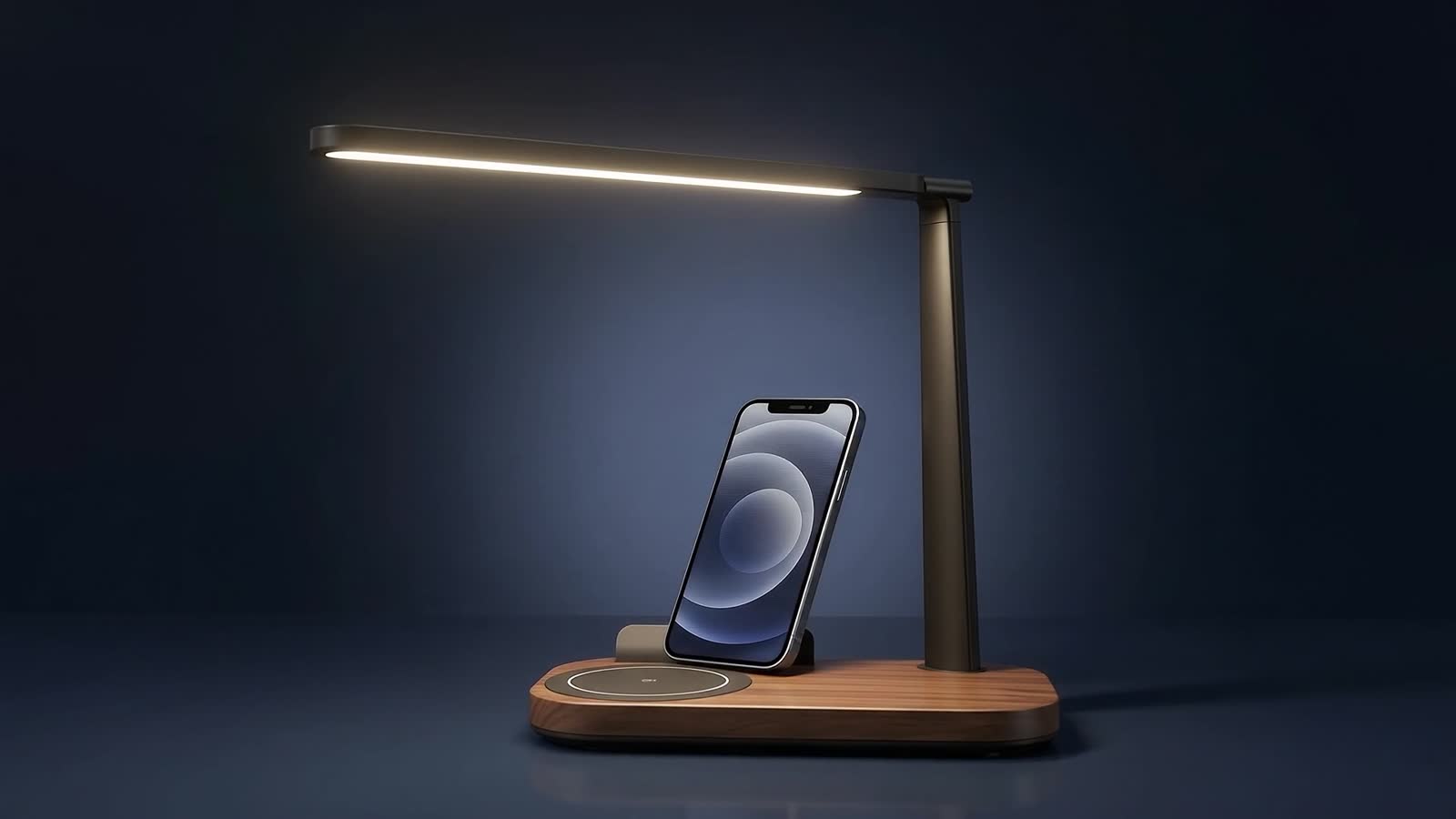
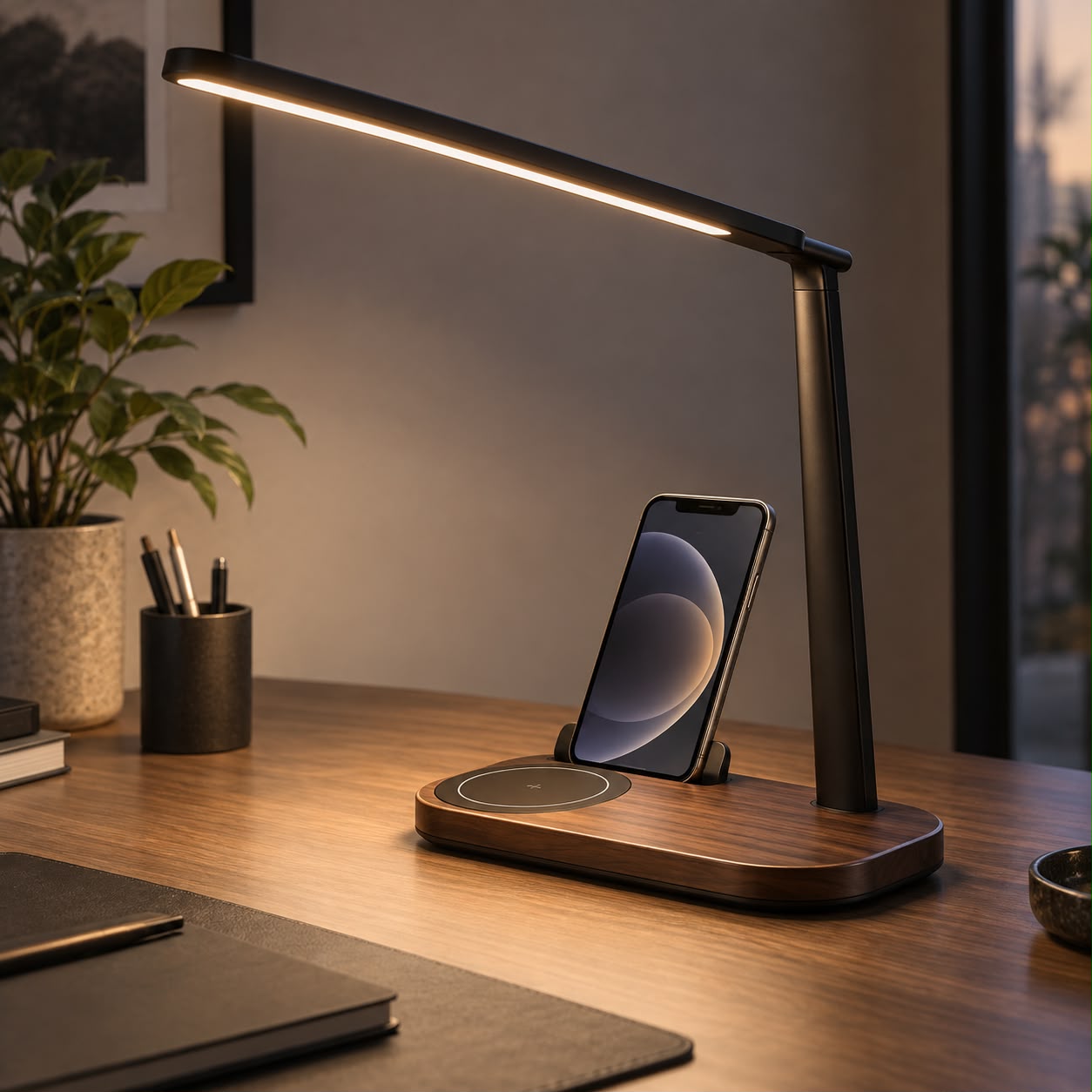
Keep keys, metal accessories and cards away from the charging area. Check the charging indicator after placing the phone. On a combined lamp and charger, see whether adjusting the light moves the phone out of position.
Questions to ask the seller
- Is compatibility documented for my exact phone?
- Is the quoted power per position or for the whole product?
- Are the required adapter and cable included?
- What case restrictions apply?
- Which exact model holds the claimed certification, and how can I verify it?
Use the same questions when considering DESKIND. This article does not attribute Qi or Qi2 certification to any DESKIND model. Refer to verified product specifications, explore the collection or contact us with your device model.
This guide was prepared for DESKIND with AI assistance. Refer to the linked sources and your device manufacturer’s current instructions for technical details. Adapt layout suggestions to your own space.
Have a correction or question? Contact us.