Workspace
Where to place a desk near a window
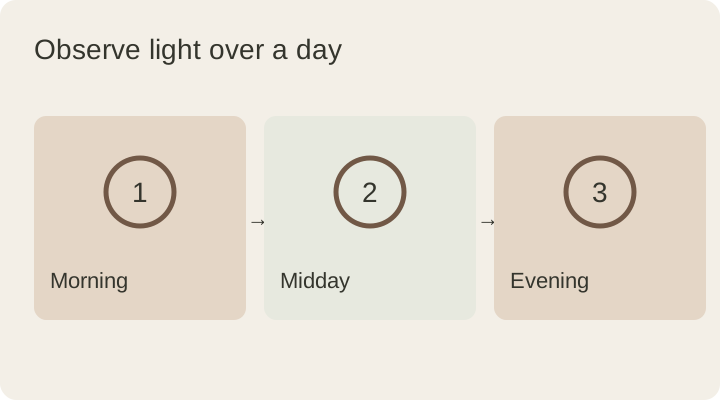
A desk in front of a window may photograph beautifully without working equally well all day. Choose its position by observing morning, midday and evening light.
Türkçe oku ↗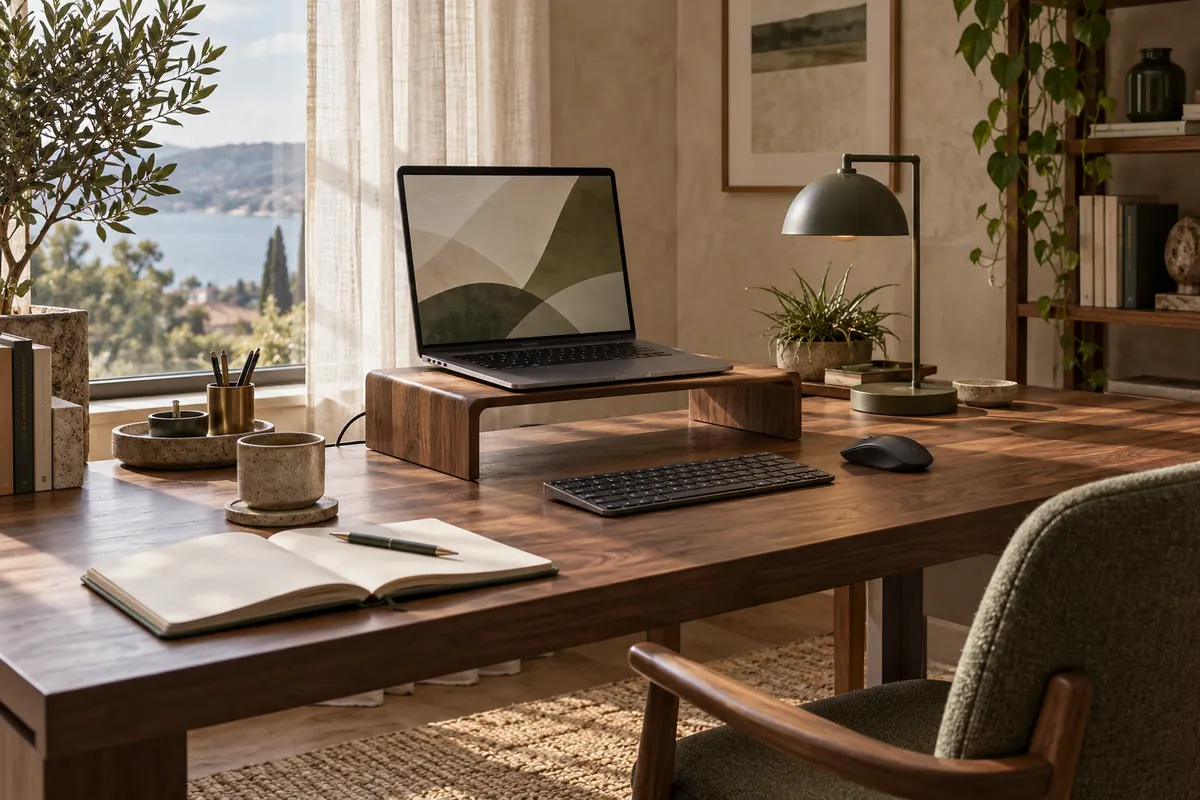
The AI-generated cover illustrates a workspace; it is not a photograph of a product for sale.
For screen work, try keeping the window to the side as a starting point. Decide after checking reflections, direct sunlight, camera framing and access around the desk.
Compare three window positions
| Window position | Possible issue | Adjustment to try |
|---|---|---|
| Behind the screen | A bright background around the display | Curtains, screen angle and time of day |
| Behind you | Window reflections or a bright video-call background | Desk orientation or curtain adjustment |
| To the side | Changing side light through the day | Angle, curtains and paper position |
This table does not predict every room. Window size, building orientation, neighbouring buildings and working hours all affect the result. A side position is worth testing, but it is not automatically perfect without observing the space.
Observe before moving heavy furniture
Look at the corner in the morning, at midday and during your normal evening working time. Note direct sunlight on the desk, reflections in a display and bright areas in your seated field of view. Use a laptop or a piece of cardboard to represent the display position before moving a large desk.
If you work only after dark, the appeal of a daytime photograph should not determine the layout. If you work there all day, one afternoon trial may not be representative. A short log at three times can show whether curtains or a change of angle are needed.
Reflections are not just a brightness setting
CCOHS’s lighting checklist considers workstation positioning, window glare, curtains and readability together. Increasing monitor brightness does not by itself resolve the layout when a bright window is reflected in the screen.
Open a dark page and look from your normal sitting position, then switch to an everyday document. Try a small angle change first, followed by the curtain setting. Being able to control light can be more useful than permanently blocking it, especially when the desk serves several purposes throughout the day.
Include cameras, outlets and access
If you make video calls, check a local camera preview. A very bright window behind you can change how the camera exposes the scene. Avoid solving a screen reflection while leaving yourself difficult to see in every call.
Preserve room for opening the window and moving the curtains. Where a heater is present, respect its required clearances. Route power without stretching cables across a walkway. An attractive desk position is less useful if opening the window requires removing equipment every day. Test these ordinary movements before fixing cable clips or wall accessories.
Make a separate evening check
Once daylight disappears, a corner that seemed bright enough may need different lighting for paper tasks. Try room lighting alongside a task lamp and aim the lamp at the work rather than the screen.
Is a desk in front of a window wrong? Not inherently. It can work when glare, direct sunlight, screen position and room access are addressed together. Testing your actual conditions is more useful than following a placement rule without considering the space.
Plan the surrounding area with the home workspace guide and complete the evening setup with desk lamp selection. Recheck the arrangement when your working hours or seasonal light changes.
This guide was prepared for DESKIND with AI assistance. Refer to the linked sources and your device manufacturer’s current instructions for technical details. Adapt layout suggestions to your own space.
Have a correction or question? Contact us.